Can I create instant fee particulars or fee discounts at the time of collecting fees?
Yes, when collecting fees from a student through the Finance module, you can create an instant fee particular or an instant fee discount. You can collect fees:
By course – Module access icon > Administration > Finance > Fees > Collect the Fees > Fee Submission by Course
For each student – Module access icon > Administration > Finance > Fees > Collect the Fees > Fee Submission for each student
By fee particular – Module access icon > Administration > Finance > Fees > Collect the Fees > Particular wise Fee Payment
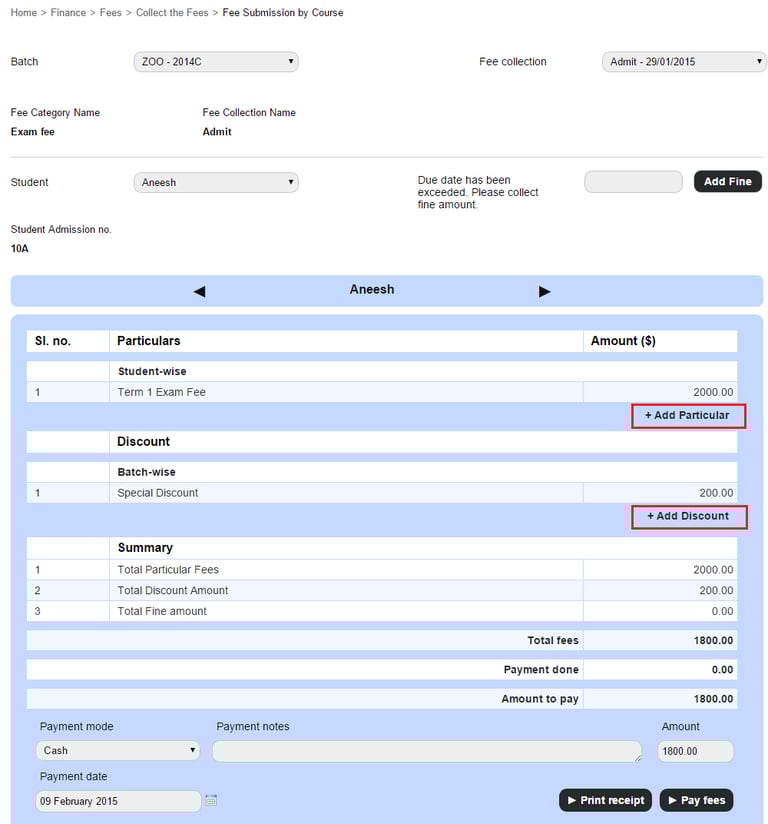
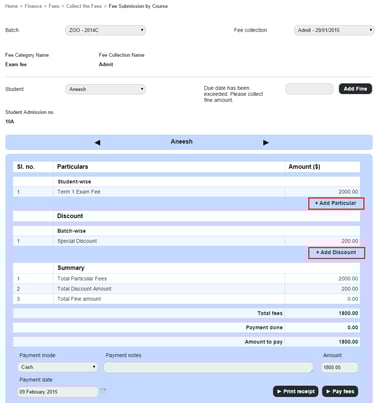
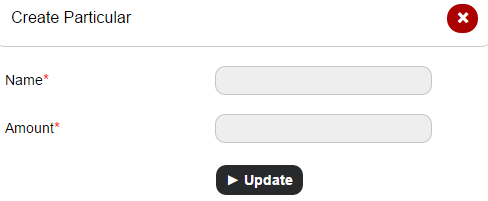
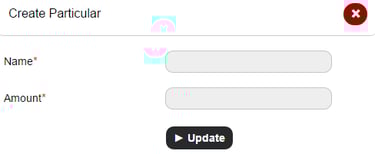
Click Add Particular to add a fee particular, and then enter the name and the amount.
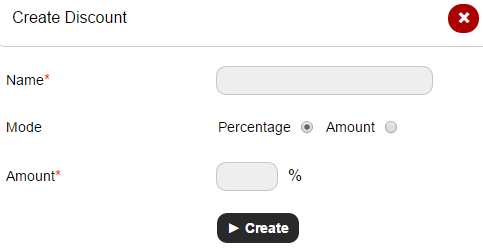
Click Add Discount to add a fee discount, and then enter the name, the mode, and the discount percentage or amount.
Contact
Get in touch with our support team anytime.
Phone
info@sharakshara.com
+91 8073157220
© 2025. All rights reserved.