Can I view all reverted/deleted transactions in Sharakshara?
The following transactions when reverted/deleted will be listed in the Reverted transactions page:
Finance fee
Transport fee
Hostel fee
Library fine
Instant fee
Income and Expenses (Salary, Inventory, Sales in Inventory, Custom finance category)
Donation
Refund
At the top of your dashboard, click the module access icon > Administration > Finance > Transactions > Reverted transactions to open the Reverted transactions page.
Search for reverted/deleted transactions by:
Fees – Reverted transactions that include all types of student fee payments will be displayed.
Others – Deleted income and expenses transactions such as salary, donation will be displayed.
Enter the start date and end date.
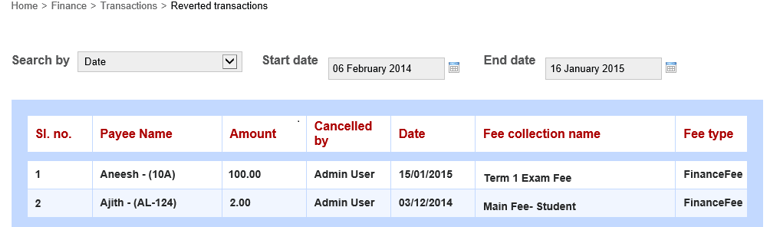
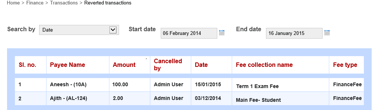
The reverted transaction details will include the payee name, amount reverted, the name of the person who reverted the transaction, the reverted date, the fee collection name, and the type of amount reverted.
Contact
Get in touch with our support team anytime.
Phone
info@sharakshara.com
+91 8073157220
© 2025. All rights reserved.