How a user can add post to a group?
First login as a student or any other user of the group.
At the top of your dashboard, click the module access icon> Collaboration>Discussion
Select particular group under My Group.
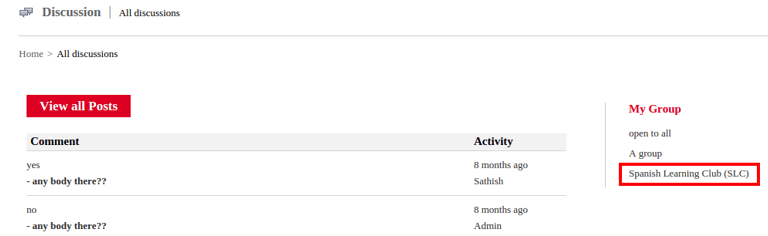
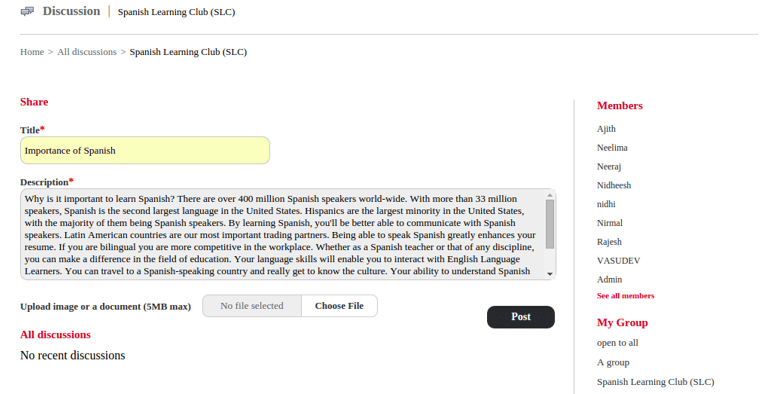
Then you will displays a window as shown in the figure below. Update contents and click on post.
Contact
Get in touch with our support team anytime.
Phone
info@sharakshara.com
+91 8073157220
© 2025. All rights reserved.