How bulk edit is useful in custom import?
Bulk edit feature is useful when a change needs to be made to many records that were uploaded through Custom Import.
All data that can be bulk uploaded can be edited also using bulk edit.
To do a bulk edit click on any of the custom imports done and click on Bulk Edit as shown in the screenshot below:


This will lead to the option to select the csv file. Select the file and click on Upload to do the upload.
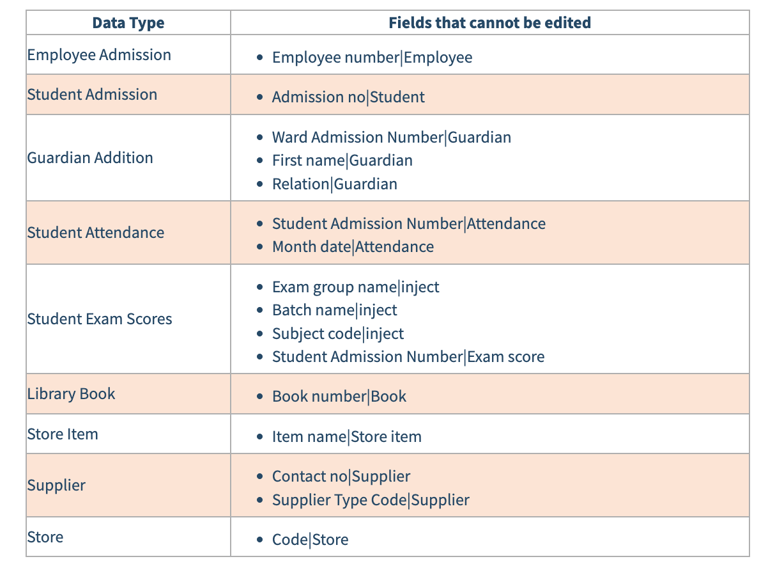
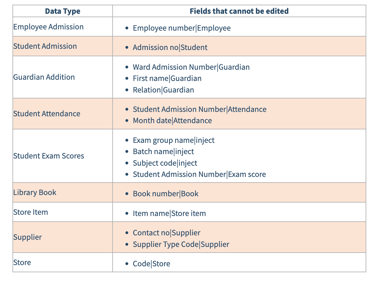
However, when performing a bulk edit, the following field information cannot be edited as it is required to map to existing records in Sharakshara.
Contact
Get in touch with our support team anytime.
Phone
info@sharakshara.com
+91 8073157220
© 2025. All rights reserved.