How can I add or create donation ?
Money received by the institution in the form of a donation or a grant can be recorded as a donation transaction.
At the top of your dashboard, click the module access icon > Administration > Finance > Donations to open the Donations page.
In the top right, click the New button.
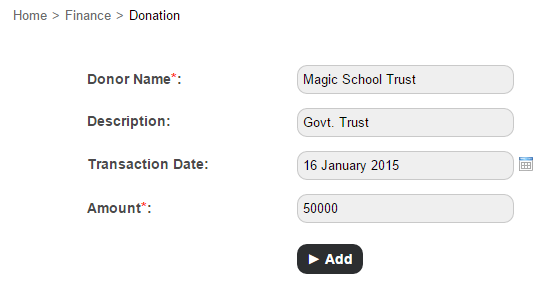
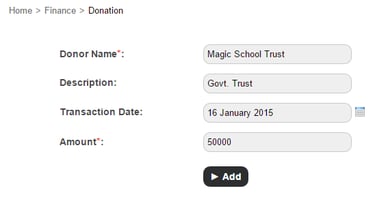
In the Donor name field, enter the name of the donor.
In the Description field, enter a short description about the donor.
In the Transaction Date field, select a transaction date.
In the Amount field, enter the amount donated.
Click the Add button.
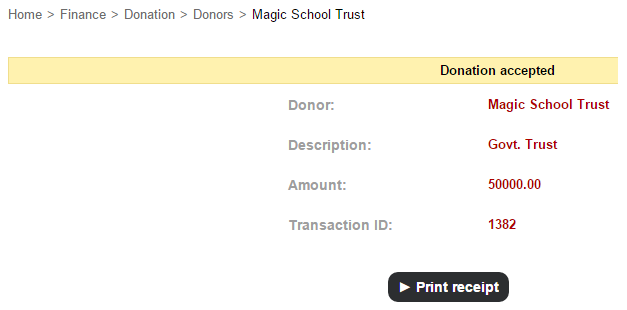
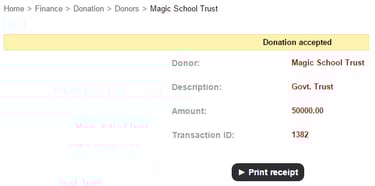
Click the Print receipt button to print the transaction receipt.
Contact
Get in touch with our support team anytime.
Phone
info@sharakshara.com
+91 8073157220
© 2025. All rights reserved.