How can I assign Drivers and Attendants
At the top of your dashboard, click the module access icon > Administration > Transport > Drivers and Attendants to manage Driver and Attendant Details,
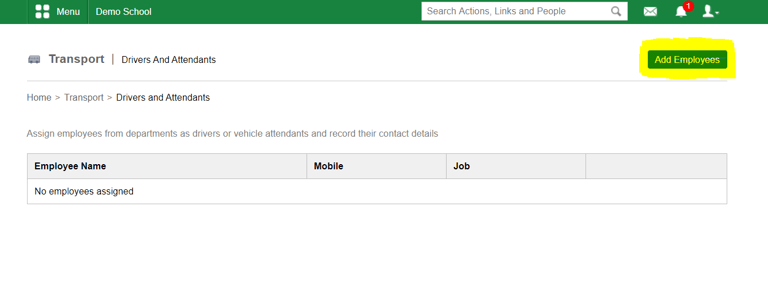
Step 1: Click on 'Add Employees'
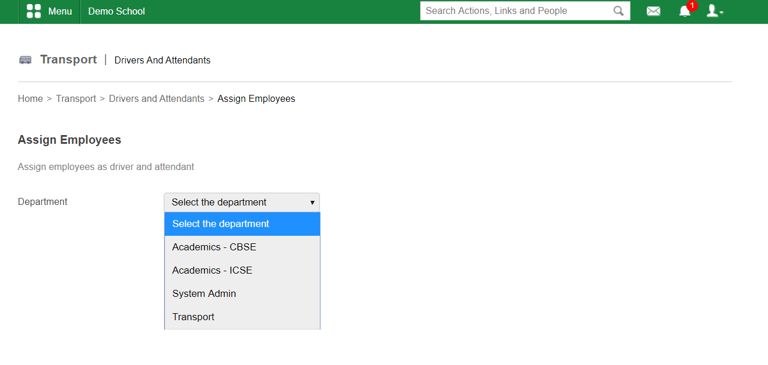
Step 2: Select the department from the list
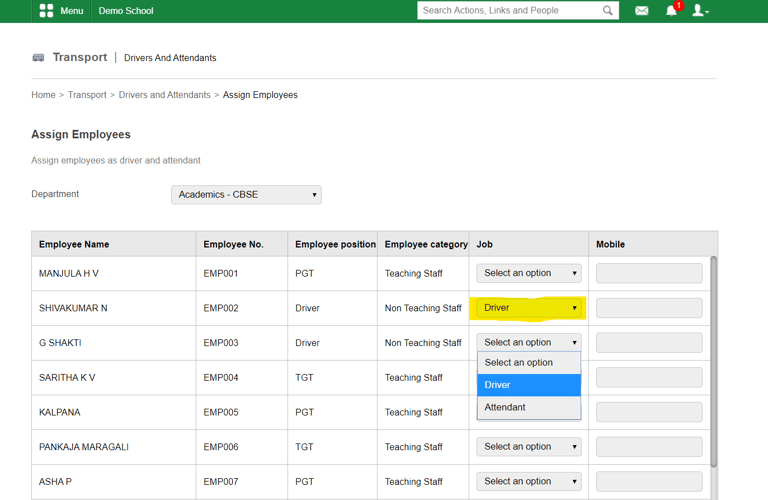
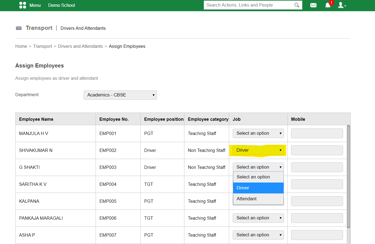
Step 3: Select the employee and change 'Job' field to Driver or Attendant as shown below and 'Save'
Contact
Get in touch with our support team anytime.
Phone
info@sharakshara.com
+91 8073157220
© 2025. All rights reserved.