How can I change the route details for a student or employee?
1. At the top of your dashboard, click on Menu > Administration > Transport > Assign Transport.
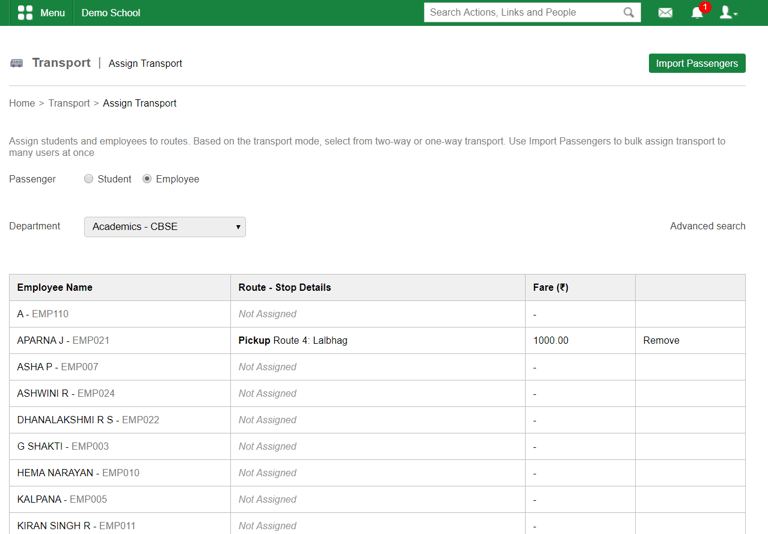
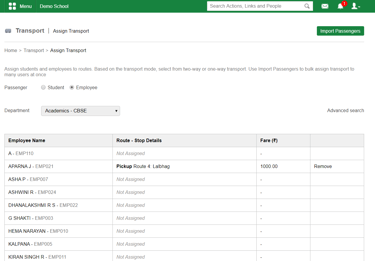
2. To search for a student, select the Student option and then select the course and batch of the student to search as shown in Figure (1). To search for an employee, select the Employee option and then select the department of the employee to search as shown in Figure (2)
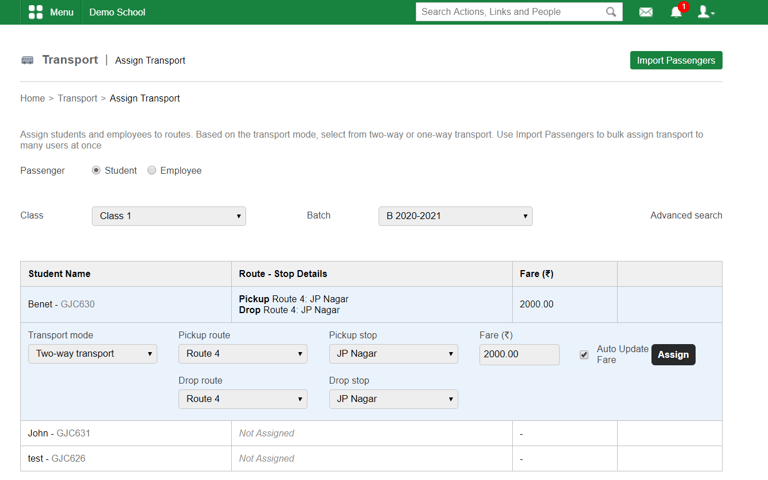
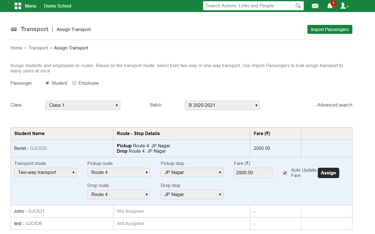
Figure (2) Employee search
Click Allocate beside the room you want to allocate to a student.
Contact
Get in touch with our support team anytime.
Phone
info@sharakshara.com
+91 8073157220
© 2025. All rights reserved.