How can I change the 'stop' point of a user
At the top of your dashboard, click on Menu> Administration> Transport > Assign Transport.
Select the Course and Batch and click on the student/employee name
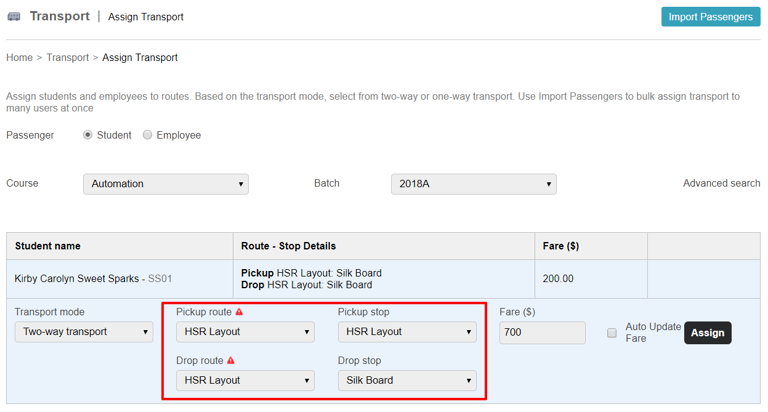
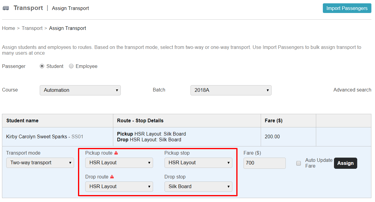
2. Enter the desired stop (destination) point in the respective fields as shown in the above figure.
3. Click on Assign.
Contact
Get in touch with our support team anytime.
Phone
info@sharakshara.com
+91 8073157220
© 2025. All rights reserved.