How can I compare finance transactions between two different time intervals?
At the top of your dashboard, click the module access icon > Administration > Finance > Finance Reports > Compare Transactions.
Select the start date and end date of the two financial periods you want to compare.
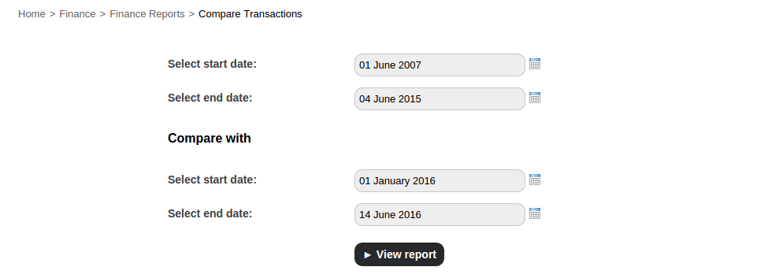
Click the View Report button.
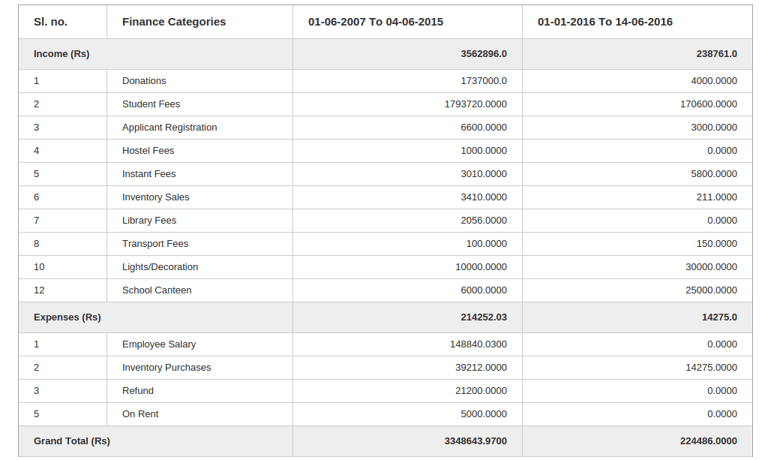
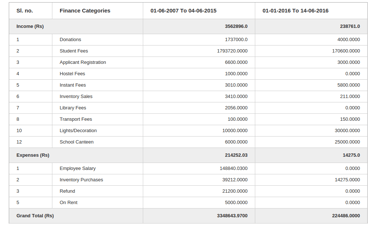
Click on a finance category to drill down and view individual transaction details.
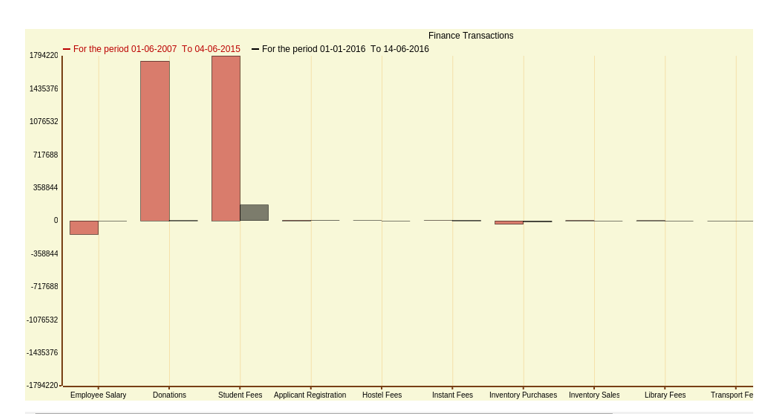
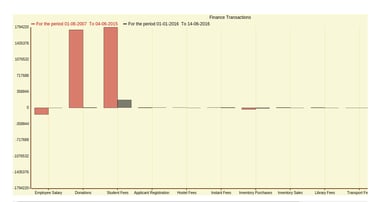
Below given report shows graphical representation comparing both the financial periods, displayed along with finance categories along the x-axis and income/expense amounts along the y-axis.
Contact
Get in touch with our support team anytime.
Phone
info@sharakshara.com
+91 8073157220
© 2025. All rights reserved.