How can I delete an export in custom import?
At the top of your dashboard, click the module access icon > Data and Reports > Custom Imports to open the All Exports page.
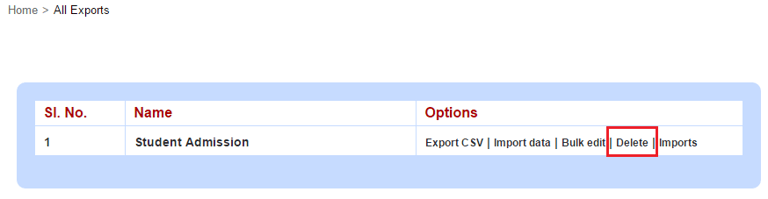
Click Delete to perform the deletion of export in custom import..
Contact
Get in touch with our support team anytime.
Phone
info@sharakshara.com
+91 8073157220
© 2025. All rights reserved.