How can I edit or delete liability?
At the top of your dashboard, click the module access icon > Administration > Finance > Asset Liability Management > Liability to open the Liability page.
Click View.
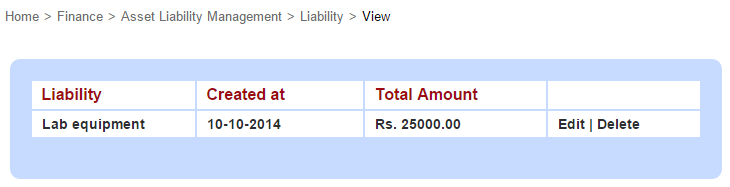
In the top right, click the PDF report button to generate a PDF report.
Click Edit to edit the liability.
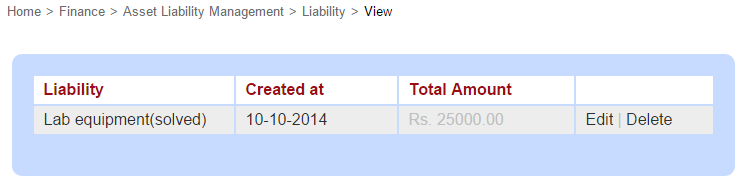
Select the Solve this liability? check-box to close the liability. Once a liability is closed, the record is greyed out, as see in the image below.
Click Delete if you want to delete the liability.
Contact
Get in touch with our support team anytime.
Phone
info@sharakshara.com
+91 8073157220
© 2025. All rights reserved.