How can I edit or delete store type?
A store type can be edited at any time. A store type can be deleted only if it has not been used when creating a store.
At the top of your dashboard, click the module access icon > Administration > Inventory > Store Type.
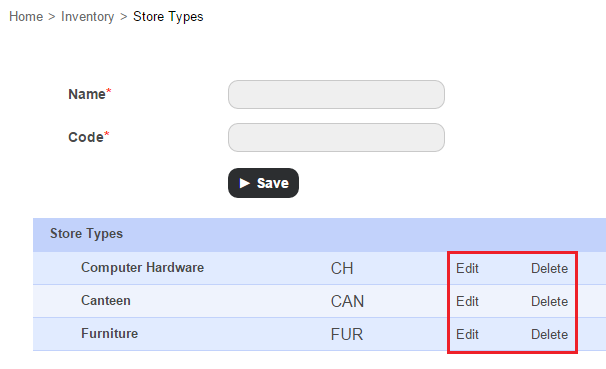
Click Edit to edit a store type, or click Delete to delete a type
Contact
Get in touch with our support team anytime.
Phone
info@sharakshara.com
+91 8073157220
© 2025. All rights reserved.