How can I generate students fees defaulters report?
The Students Fees Defaulters Details report lists all the students who have not paid a particular fee collection. If an employee is provided the View Additional Reports privilege or the Finance Reports privilege, the employee can access the report through the Reports module – Click the module access icon > Data and Reports > Reports > Students Fees Defaulters Details.
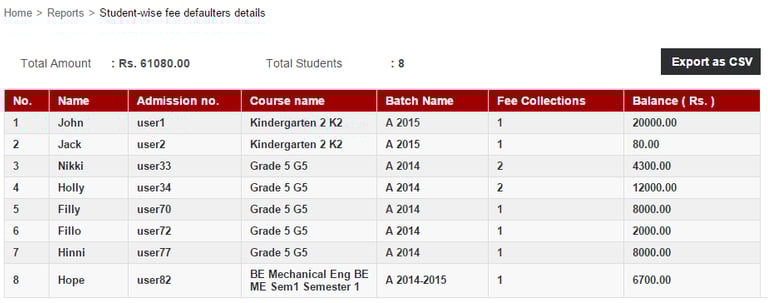
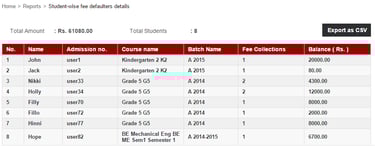
Click on the balance amount to view the individual fee collections that a student should pay.
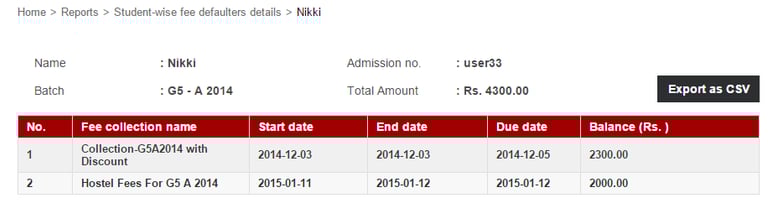
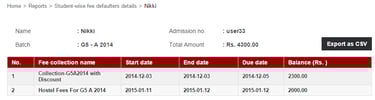
Click the Export as CSV button to export the report details as a CSV file.
Contact
Get in touch with our support team anytime.
Phone
info@sharakshara.com
+91 8073157220
© 2025. All rights reserved.