How can I issue or reject purchase order?
By selecting an order status, entering an order number, and then clicking the Submit button.
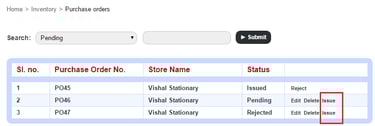
Click Issue beside the purchase order you want to approve. Verify the purchase order details.
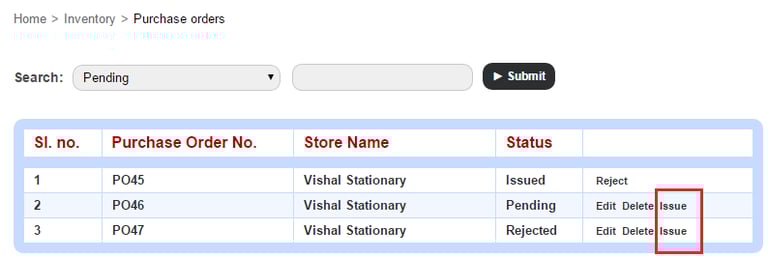
Select the status of the purchase order:
Issued – You are approving the purchase order.
Rejected – You are rejecting the purchase order.
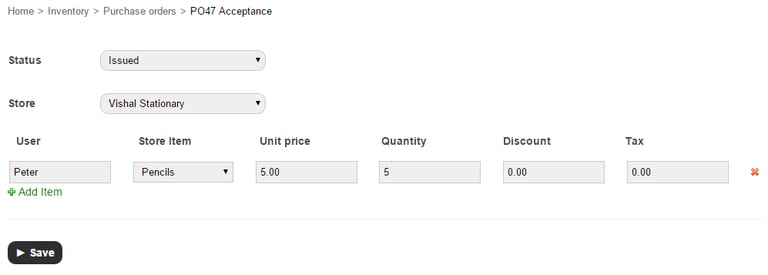
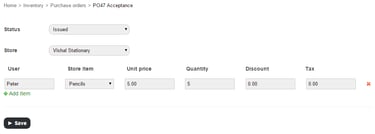
If necessary, you can change the purchase order details.
Click the Save button.
Contact
Get in touch with our support team anytime.
Phone
info@sharakshara.com
+91 8073157220
© 2025. All rights reserved.