How can I set up student attendance type for an institution?
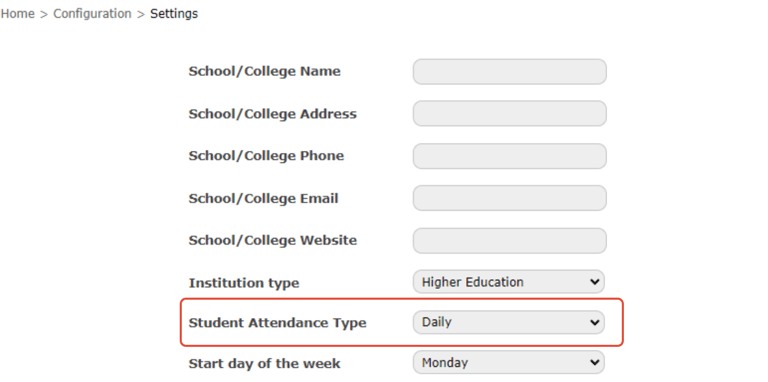
Based on how student attendance is marked in your institution, attendance can be set to any one of the following options:
Daily – Student attendance must be marked once daily.
Subject-wise – Student attendance must be marked for each class/period.
Click the module access icon > Administration > Settings > General settings to open the General settings page.
Select the student attendance type, and then click the Update button.
Contact
Get in touch with our support team anytime.
Phone
info@sharakshara.com
+91 8073157220
© 2025. All rights reserved.