How can I view leave history for an employee?
The employee can keep track of leaves taken and leaves available from the My Leaves page.
Go to your profile. In the top right, click Leaves > My Leaves to open the My Leaves page.
-Or-At the top of the dashboard, click the module access icon > Academics > Leaves > My Leaves to open the My Leaves page.
Your complete leave history is displayed.
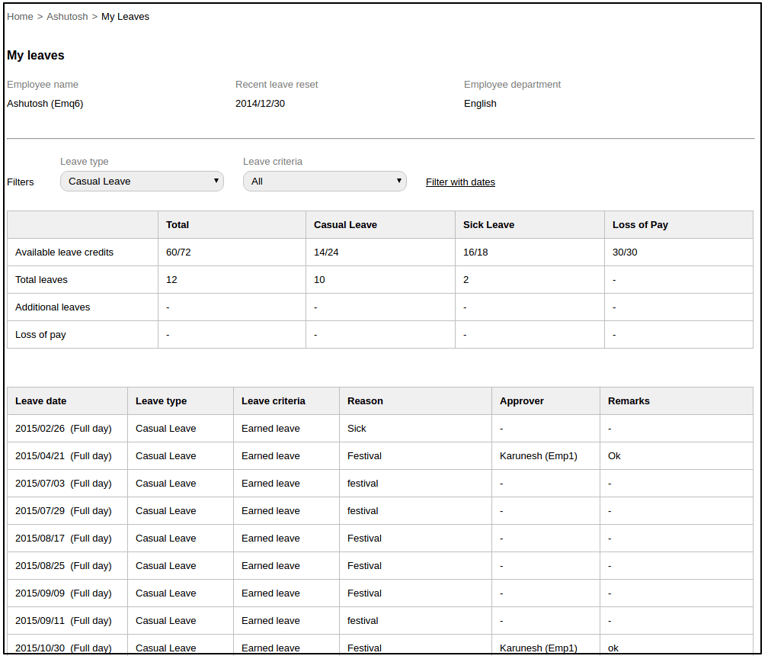
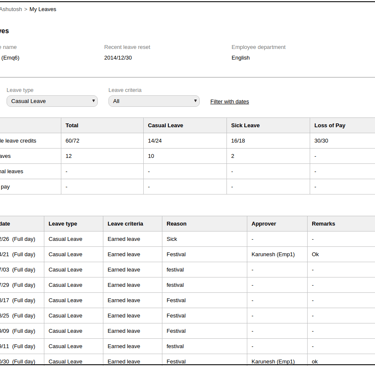
You can filter your leaves by leave type, leave criteria, or dates. Click on a leave date to view the leave details specific to that date.
Contact
Get in touch with our support team anytime.
Phone
info@sharakshara.com
+91 8073157220
© 2025. All rights reserved.