How can I view the finance report?
At the top of your dashboard, click the module access icon > Administration > Finance > Finance Reports > Transaction Report.
Select the start date and end date of the reporting period.
Click the Display Report button.
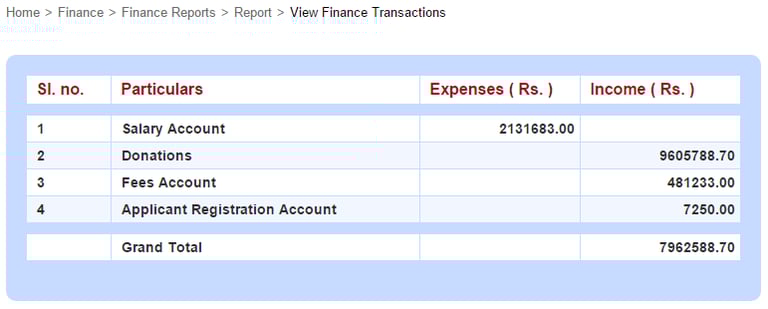
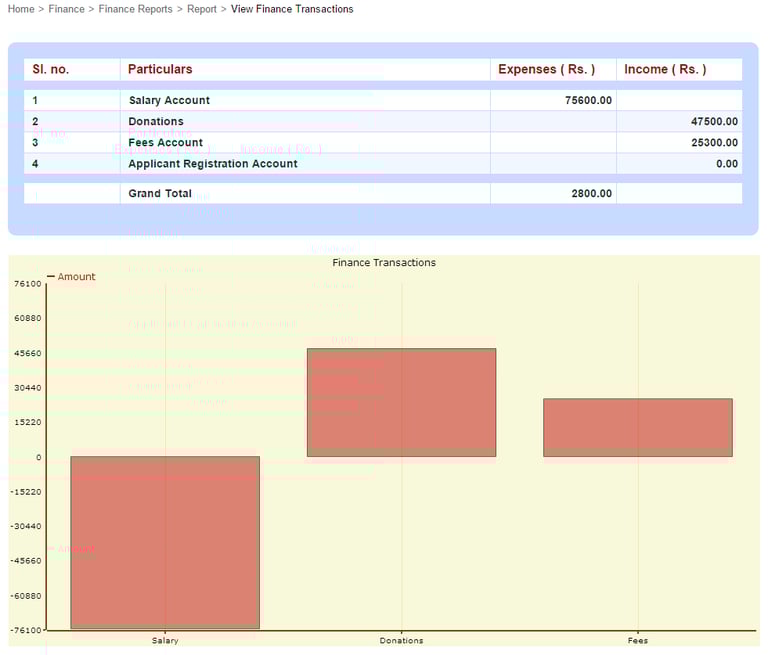
If you’ve added custom expense and income categories, the report would look something like this.
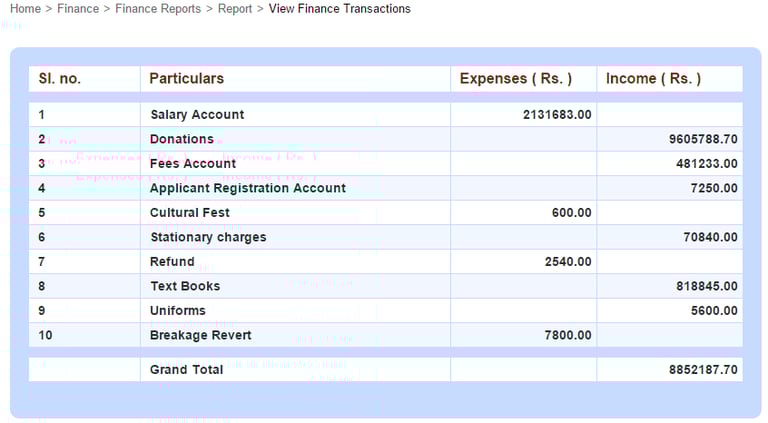
Click on a finance category to drill down and view individual transaction details.
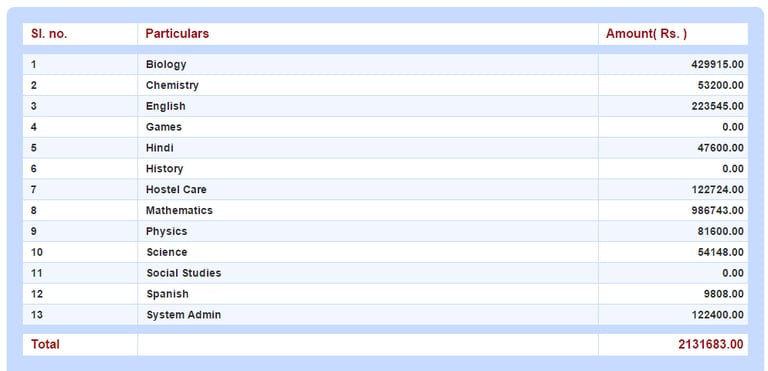
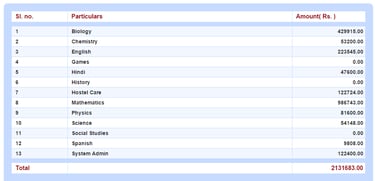
For example, click on the Salary Account category and view the overall salary amount paid to each department for the specified period.
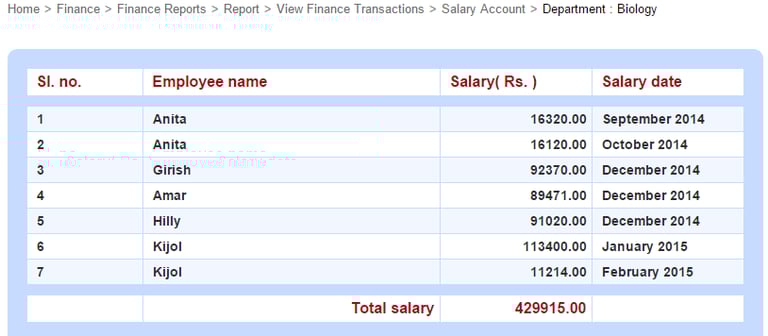
You can also click on a department to view the salary amount paid to each employee for the specified period.
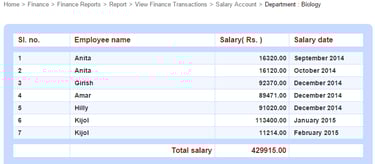
You can also click on a department to view the salary amount paid to each employee for the specified period.
Contact
Get in touch with our support team anytime.
Phone
info@sharakshara.com
+91 8073157220
© 2025. All rights reserved.