How can students view their timetable?
Students can view their timetables from their user profile. Once they login, students can view their timetables from the Timetable module (module access icon > Academics > Timetable > Select a timetable).
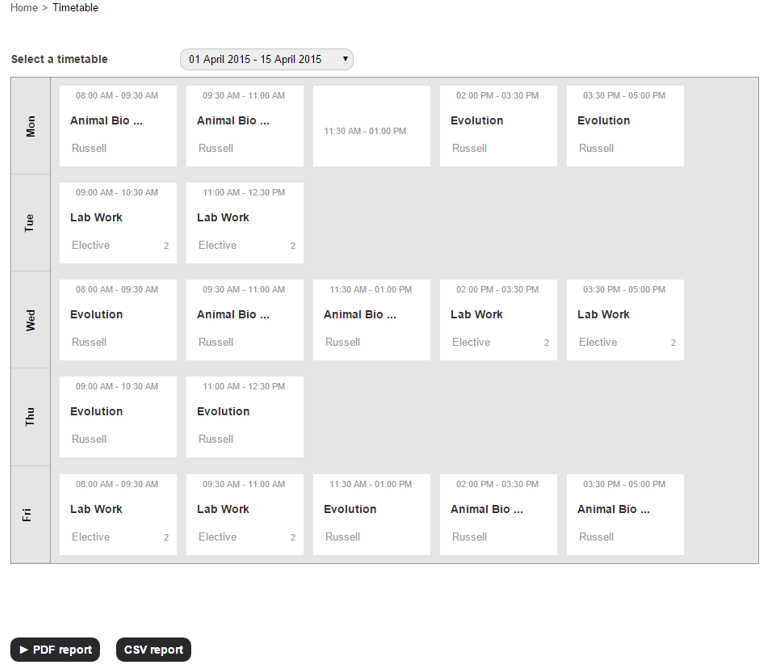
They can print the timetable as a PDF file or CSV file.
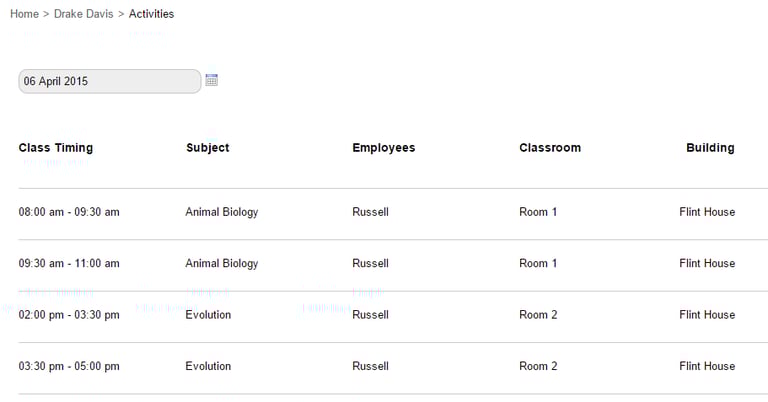
Students can also view the timetable for only a specific day from their profile as well (Student Profile > More > Activities).
Contact
Get in touch with our support team anytime.
Phone
info@sharakshara.com
+91 8073157220
© 2025. All rights reserved.