How 'Filter by ' option is helpful to view tasks?
At the top of your dashboard, click the module access icon > Collaboration > Tasks.
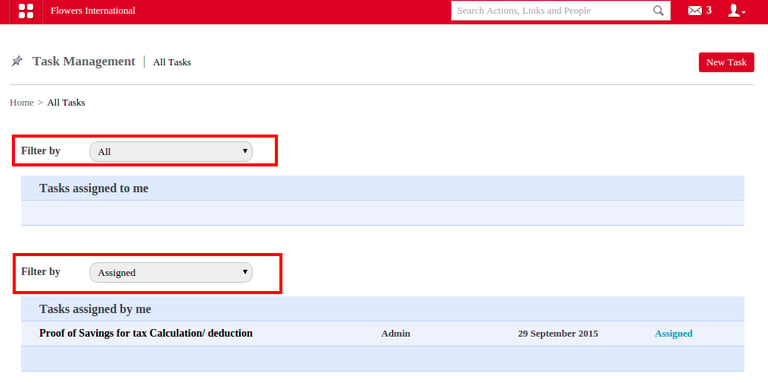
In the page opens, Filter option helps to filter or list the task as All, Assigned, Completed, Due Date under the two categories: Task assigned to me and Task assigned by me,
Refer the figure given below.
Contact
Get in touch with our support team anytime.
Phone
info@sharakshara.com
+91 8073157220
© 2025. All rights reserved.