How other users can put comments for the post in a group?
First login as a student or any other user of the group.
At the top of your dashboard, click the module access icon> Collaboration>Discussion
Select particular group under My Group.
Click on the post under All discussion.
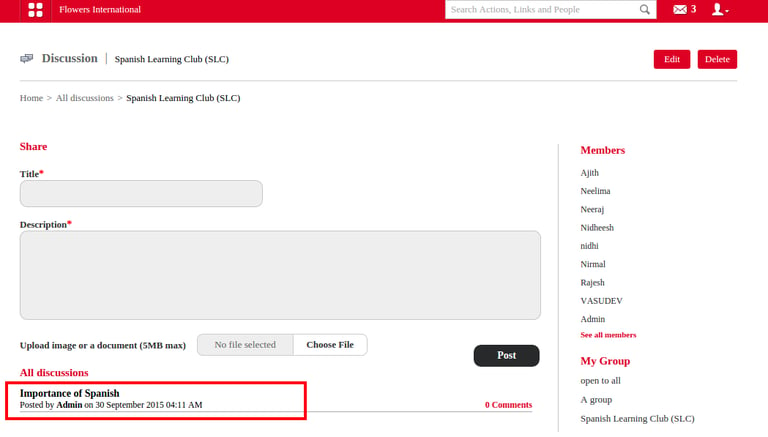
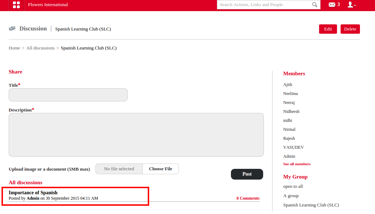
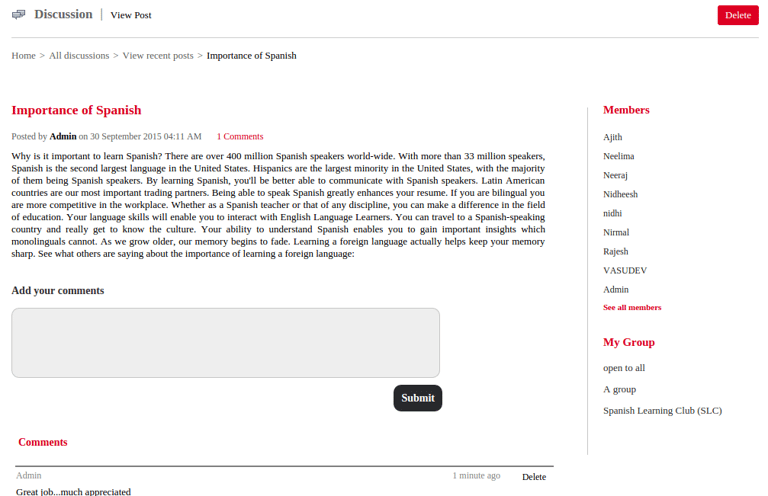
Then it shows the post and will get a box that will help us to submit our comments. Refer the figure shown below.
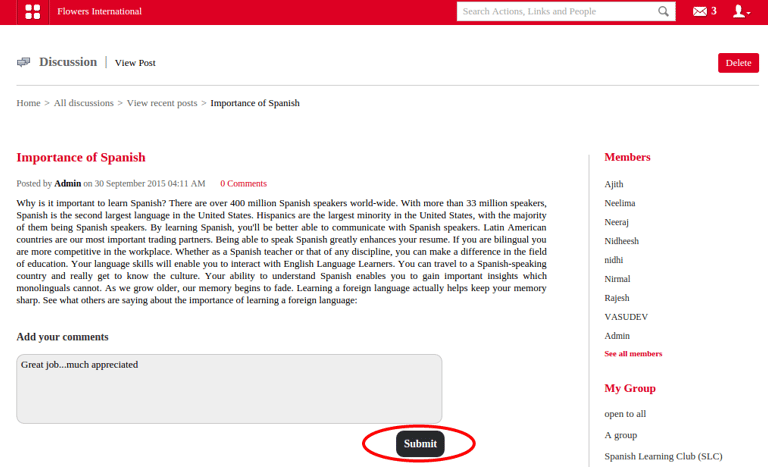
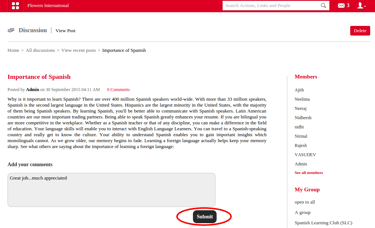
After submitting our comments it will shown under Comments.
Contact
Get in touch with our support team anytime.
Phone
info@sharakshara.com
+91 8073157220
© 2025. All rights reserved.