How to add Counselor details in Enquiry module
After receiving the enquiries, open each one to add the counselor and source of information. These counselors will then have to follow up with each of the enquirers.
Step 1: Click on Menu > Academics > Applicants >Enquiry > Settings > Enquiry Settings
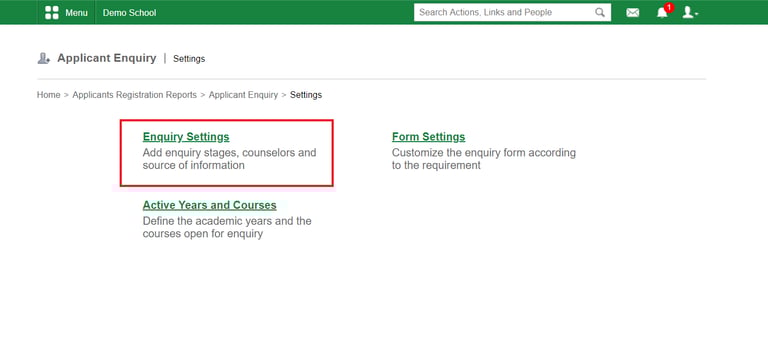
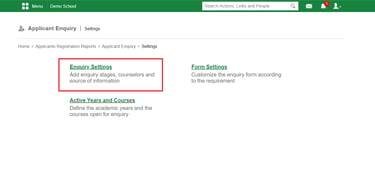
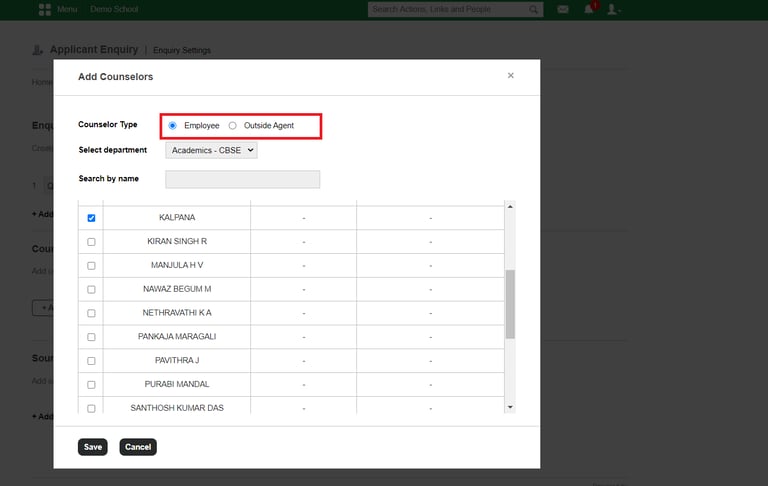
Step 2: Click on +Add Counselors
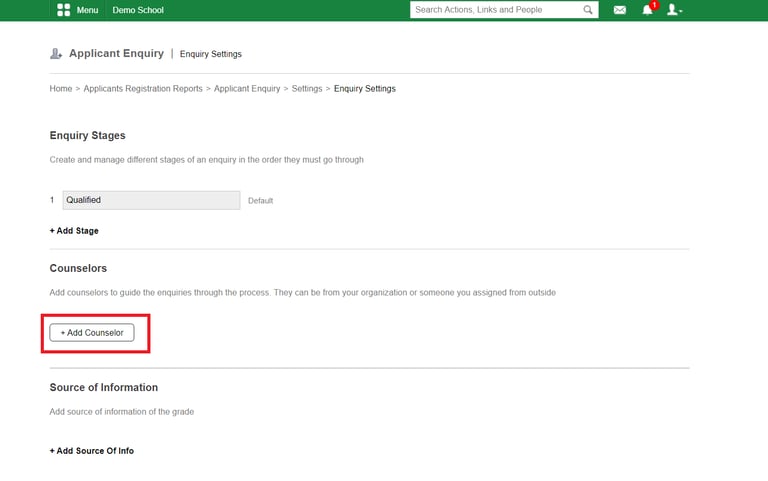
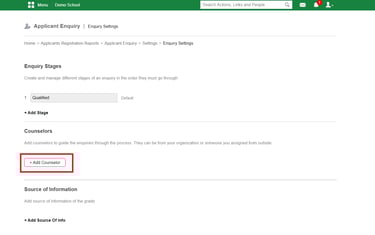
Step 3: Add the employee or outside agent as a Counselor
Contact
Get in touch with our support team anytime.
Phone
info@sharakshara.com
+91 8073157220
© 2025. All rights reserved.