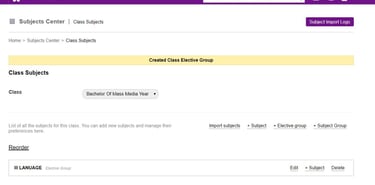
How To Add Subjects In Subject Center

To add a subject, subject groups or electives in Sharakshara go to -
Home >> Academics >> Subjects Center >> Class Subjects >> Select Class

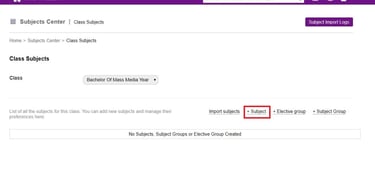
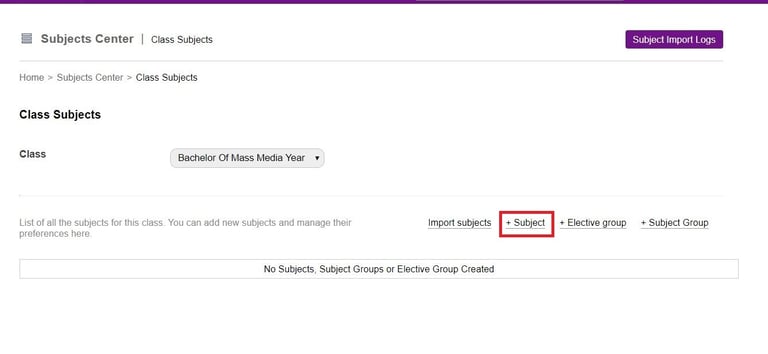
1. Add Subjects
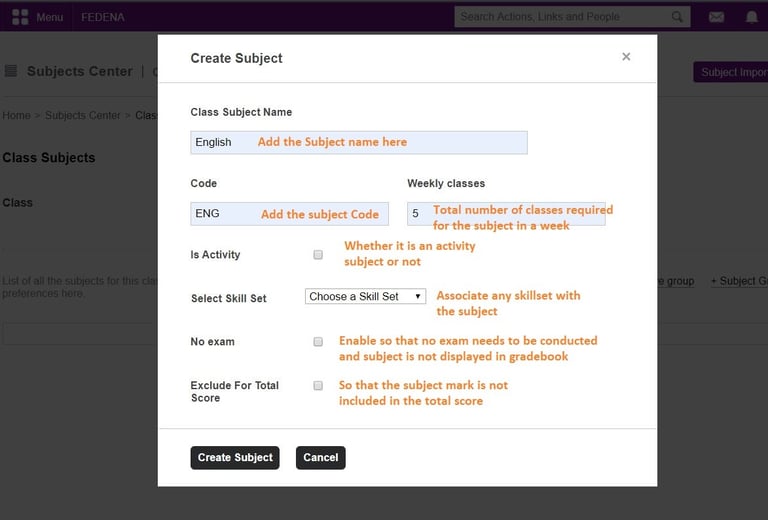
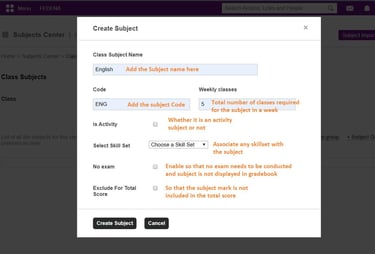
a. Select +Subject and add the subject details
Bright living room with modern inventory

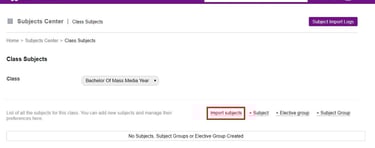
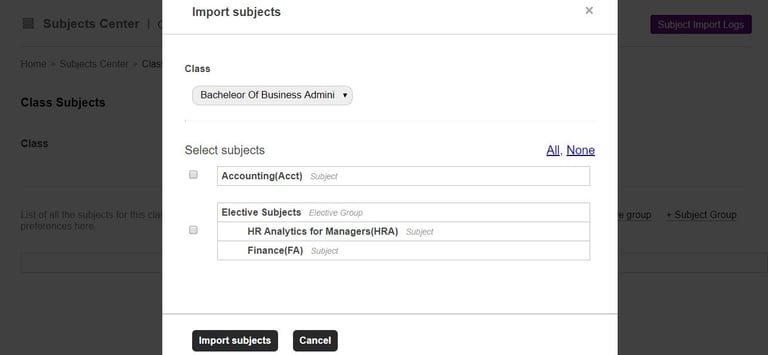
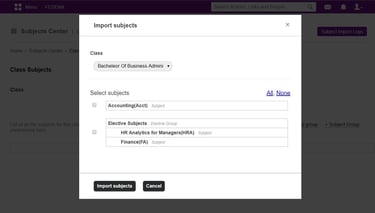
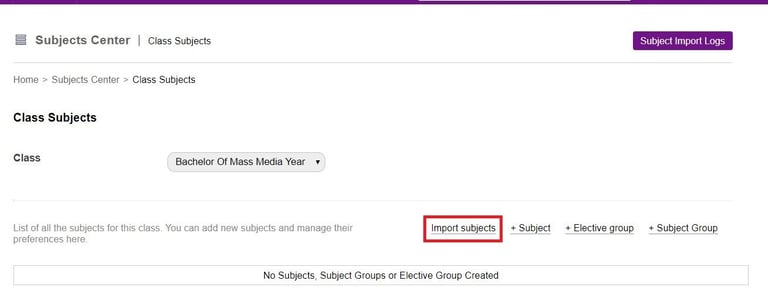
b. Select Import Subject to import the subject from an already existing class.
Bright living room with modern inventory

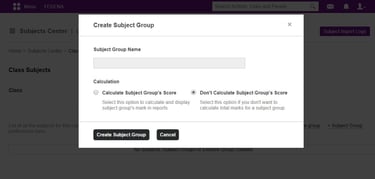
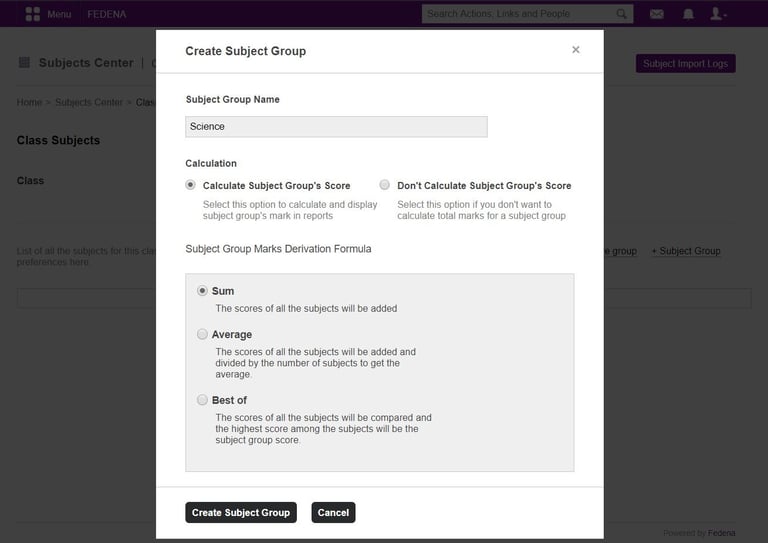
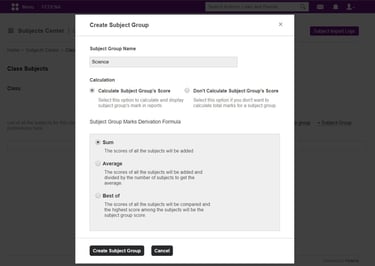
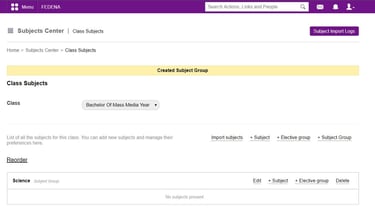
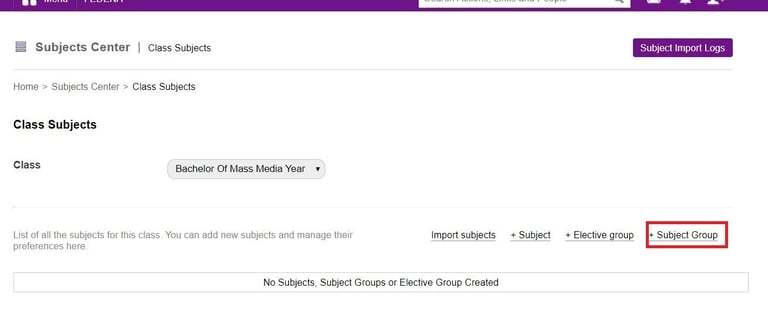
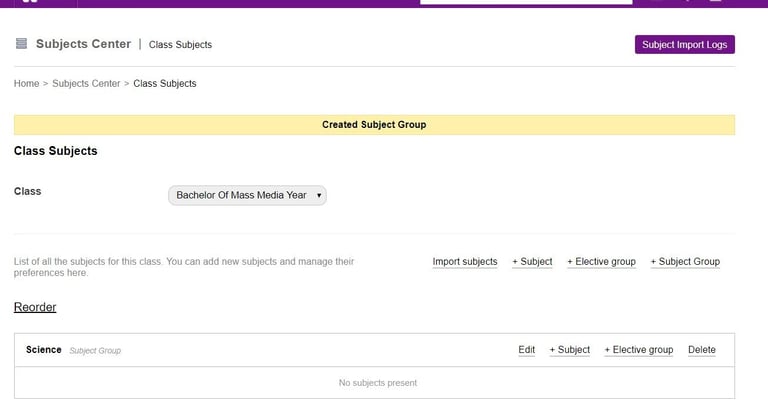
2. Add Subject Group
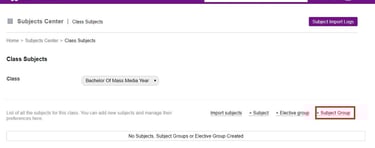
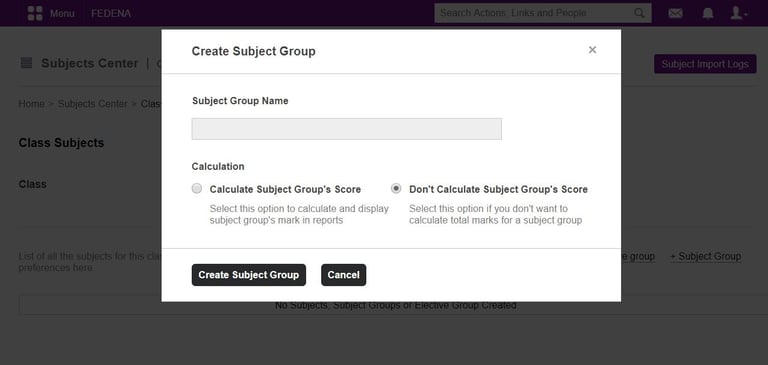
Select +Subject Group and Add subject Group details
Bright living room with modern inventory

Within a subject group, you can add subjects or elective groups.
Bright living room with modern inventory
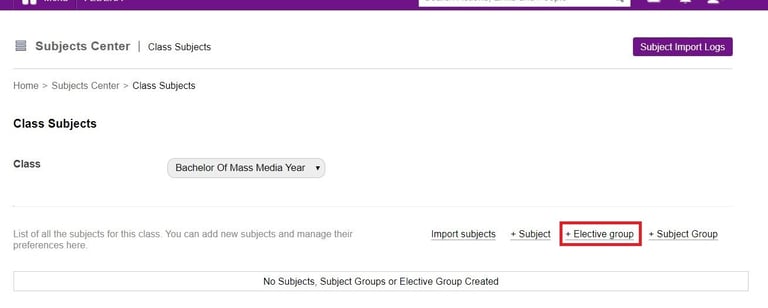
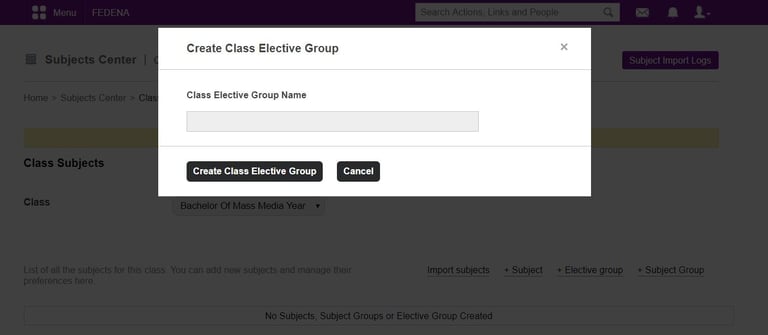
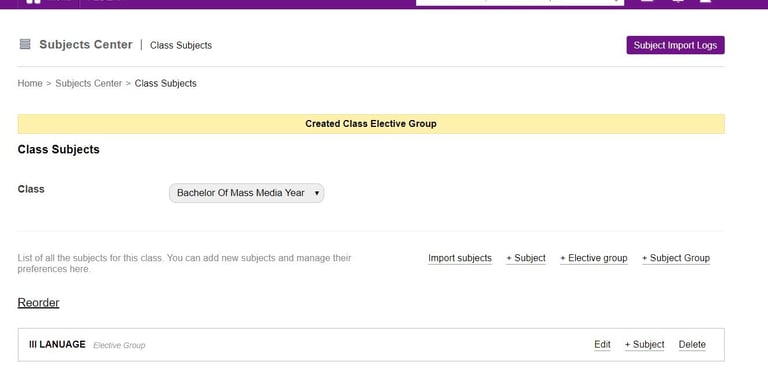
3. To Add Electives
Bright living room with modern inventory

We can add subjects within an elective group.
Bright living room with modern inventory