How to Collect Instant Fee
To collect an instant fee, the Admin/Privilege user needs to perform the below steps:
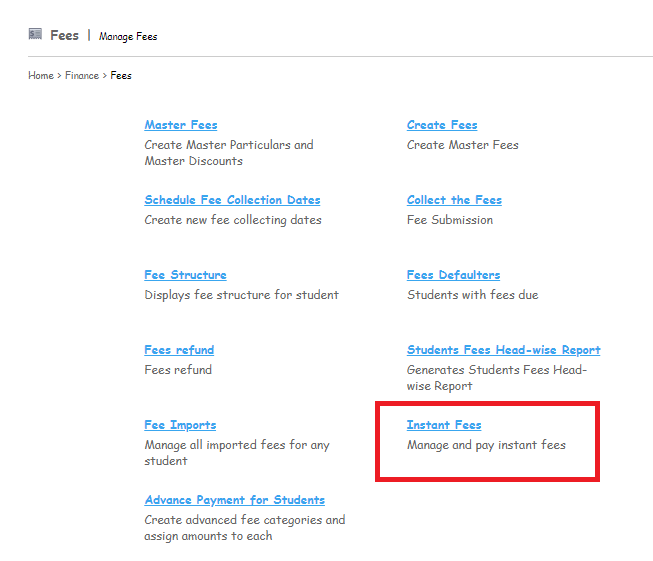
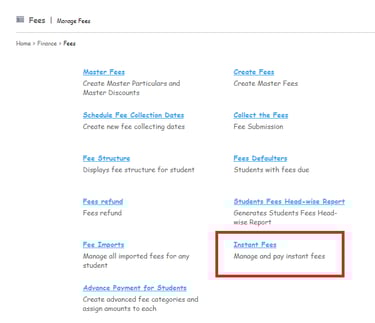
Step 1: Go to Menu > Administration > Finance > Fee > Instant Fee
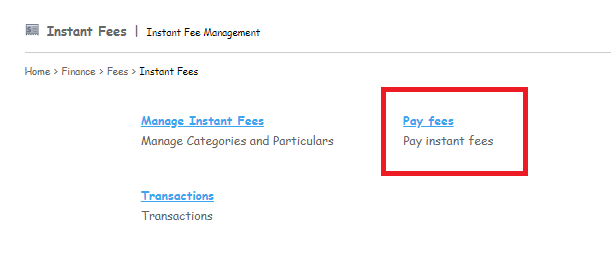
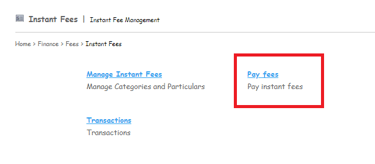
Step 2: Click on the Pay fees option.
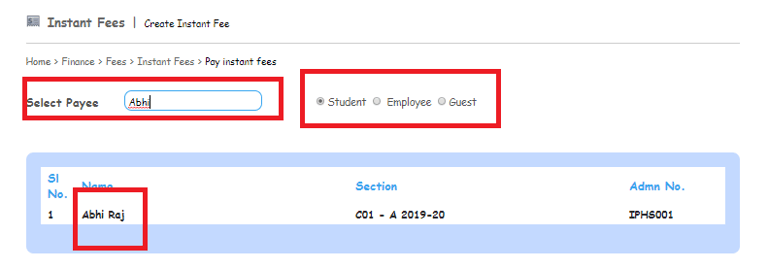
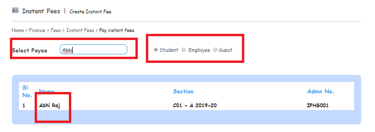
Step 3: Click on the Radio button to choose the type of the Payee
Step 4: Enter the Name of the Payee.
Step 5: Click on the Name of the Payee.
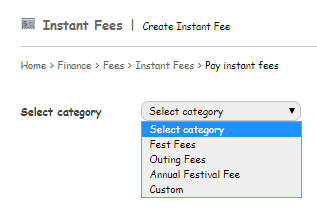
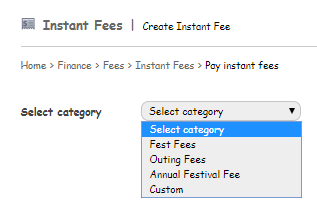
Step 6: Select the category of the fee which needs to be collected from the drop-down list.
Step 7: Click on the Collect option to collect the fees.
Contact
Get in touch with our support team anytime.
Phone
info@sharakshara.com
+91 8073157220
© 2025. All rights reserved.