How to configure “Create Fee”
Once we have created master particulars and master discounts, we are ready for updating fee structure for batches. As a first step, we need to switch to the financial year in which we are planning to create the fees
Menu > Administration > Finance > Finance Settings > Financial Years
Set the active financial year, in which you need to create the fee structure.
Then go to Menu > Administration > Finance > Fee > Create Fees
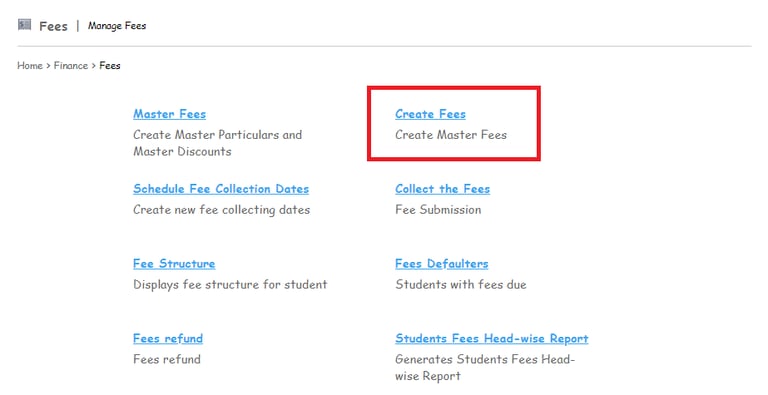
To configure “Create Fee”, Admin/Privilege user needs to configure the following options:
Create Fee Category
Create the Particulars.
Create the Discounts.
Configure the Generate Fine option.
Refer below links:
1. How to Create/Edit/Delete the “Fee Category”
2. How can I Create / Edit / Delete a fee particular?
3. How to Create / Edit / Delete student fee discount?
4. How can I set up and edit/delete fines for late fee payments?
Contact
Get in touch with our support team anytime.
Phone
info@sharakshara.com
+91 8073157220
© 2025. All rights reserved.