How to create a discussion group?
At the top of your dashboard, click the module access icon > Collaboration > Discussion
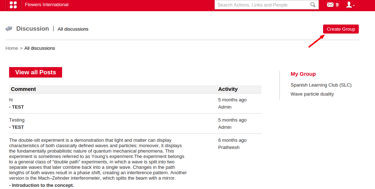
In the top right, click the Create Group button.
Provide Group Name, select department and course to add member to the group.
Click on Save.
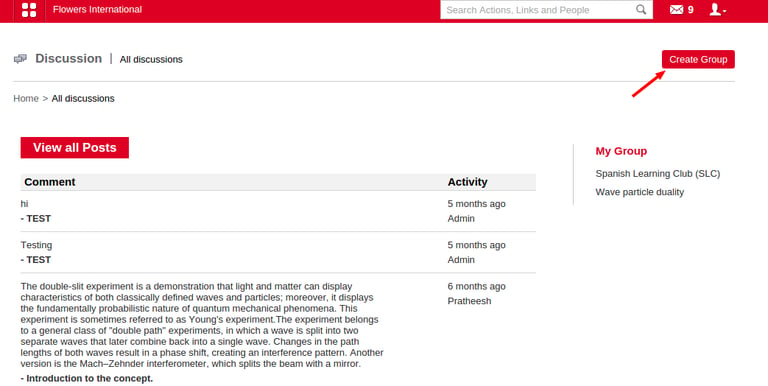
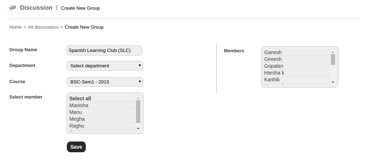
Provide Group Name, select department and course to add member to the group and click on save.(refer fig below)
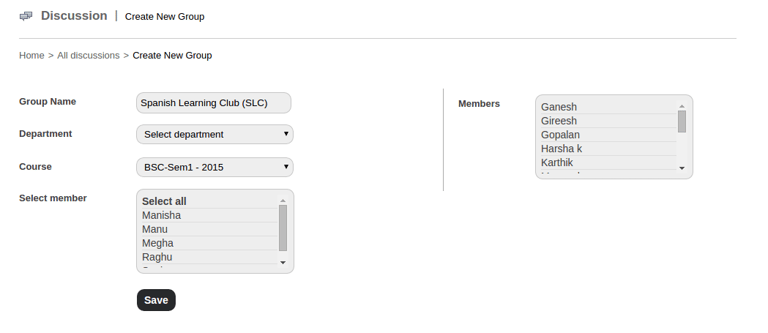
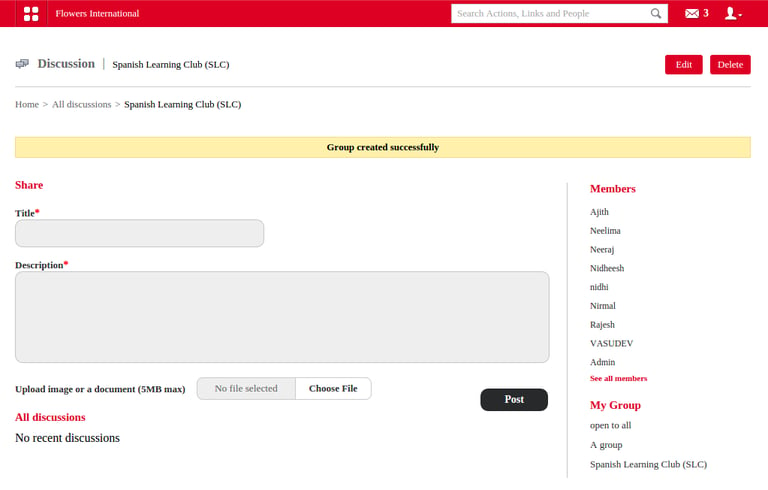
Group created successfully as shown below.
Contact
Get in touch with our support team anytime.
Phone
info@sharakshara.com
+91 8073157220
© 2025. All rights reserved.