How to Create / Edit / Delete student fee discount?
Create Fee Discount:
Your institution may offer fee discounts to students. For example, a fee discount may be given to the student whose parent(s) is employed at the institution. Fee discounts can be set up and applied at the time of processing student fee payments. A student fee discount can be created for a batch of students, for a student category, or for specific students.
At the top of your dashboard, click the module access icon > Administration > Finance > Fees > Create Fees > Create Discount.
Select the discount type from the following options:
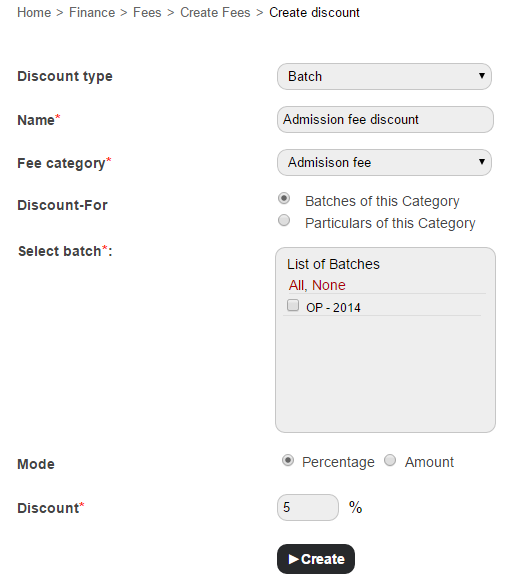
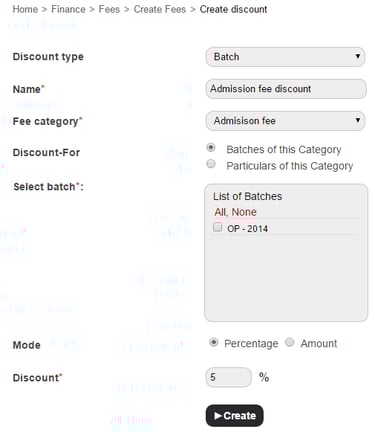
Batch – To create a discount for a batch:
Enter the discount name.
Select a fee category.
Specify if the discount is for batches of the selected category, or for fee particulars of the selected category.
Select the batch(es) or fee particular(s).
Enter the discount amount or percentage based on the discount mode.
Click the Create button.
Contact
Get in touch with our support team anytime.
Phone
info@sharakshara.com
+91 8073157220
© 2025. All rights reserved.