How to create Stop in Transport Module
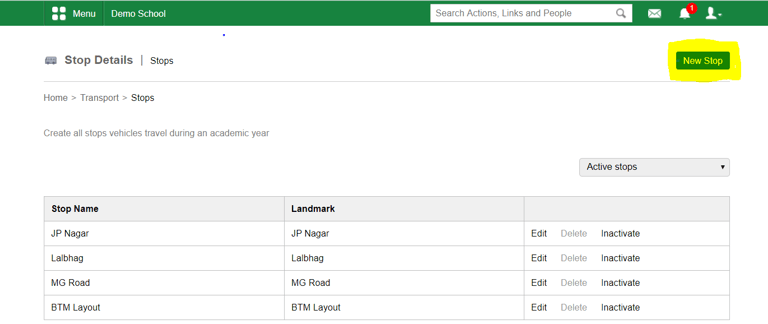
At the top of your dashboard, click the module access Menu > Administration > Transport > Stops to open the Stop Details page.
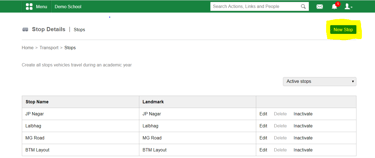
Step 1: Click on "New Stop" to add new stop details
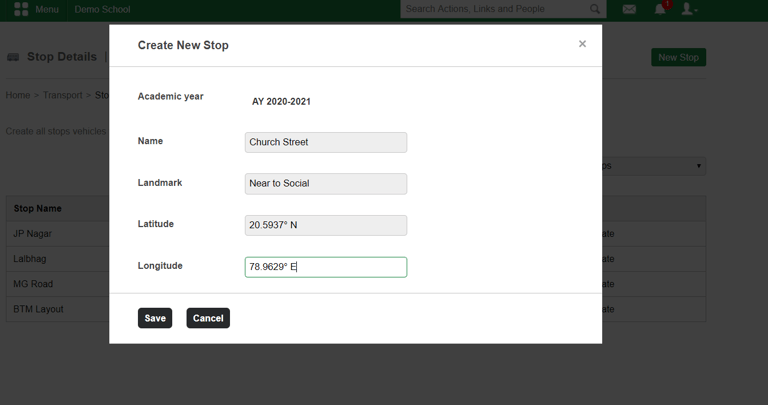
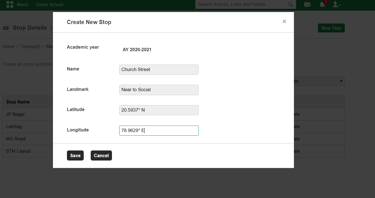
Step 2: Add the Stop details as shown below and click on "Save"
Contact
Get in touch with our support team anytime.
Phone
info@sharakshara.com
+91 8073157220
© 2025. All rights reserved.