How to Create/Edit/Delete the “Fee Category”
Fees will be different for different batches/semesters. The fee category will help institutions to configure this batch-wise. This fee category can be used for scheduling the fee collection date in the next step.
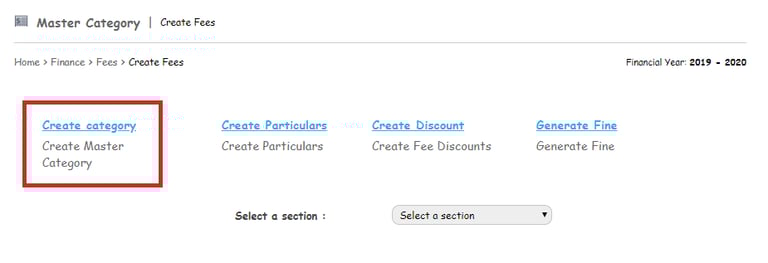
To create “Fee Category”, the user needs to follow the below steps:
Go to Menu > Administration > Finance > Fees > Create Fees.
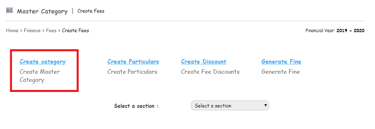
Step 1: Click on Create Category.
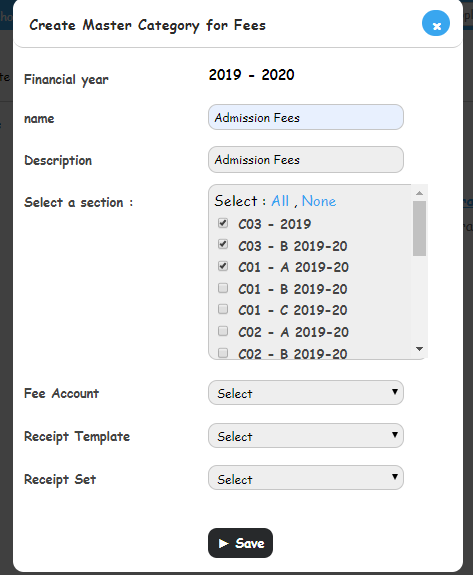
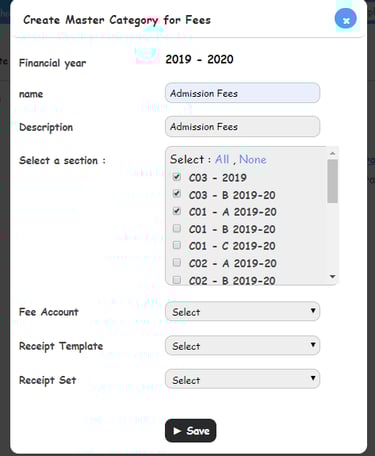
Step 2: Enter the category name and description.
Step 3: Select the batch/batches, by clicking on the checkbox which belongs to it.
Step 4: Select the “Fee Account”
Step 5: Select the “Receipt Template”
Step 6: Select the “Receipt Sets”
Step 7: Click on the “Save” button to save the settings.
Fee categories can be edited or deleted only if the fee category does not contain fee particulars.
Go to Menu > Administration > Finance > Fees > Create Fees.
Select a batch. The list of fee categories created for the batch will be displayed as depicted below.
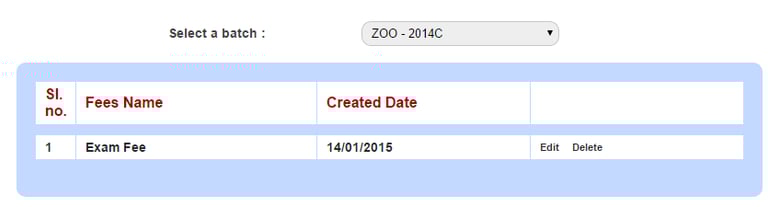
Click Edit to edit a fee category, or click Delete to delete a fee category.
Note: User will not be able to edit or delete fee category once anyone starts making payment
Contact
Get in touch with our support team anytime.
Phone
info@sharakshara.com
+91 8073157220
© 2025. All rights reserved.