How to discard a registered applicant?
Click the module access icon > Academics > Applicants > Registration > Registration Courses
Click Applicants beside a course.
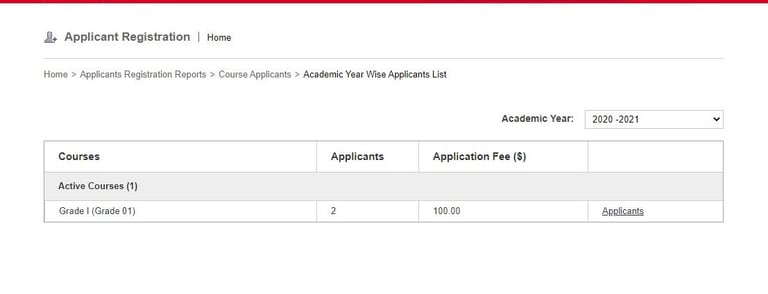
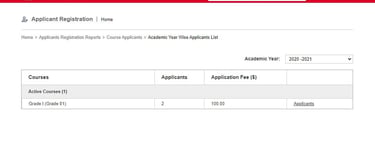
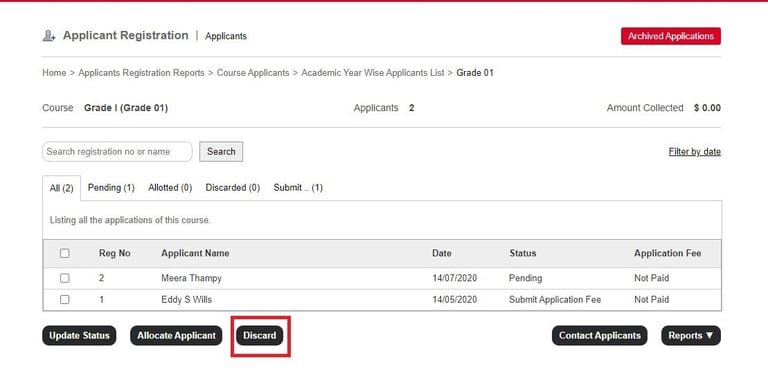
Applicants registered for the course are displayed.
Click the applicant’s name to review the applicant’s admission form.
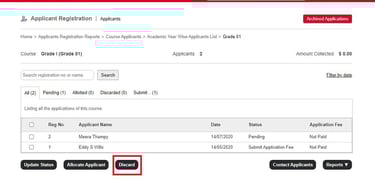
To decline admission select the applicant and click the Discard button.
Contact
Get in touch with our support team anytime.
Phone
info@sharakshara.com
+91 8073157220
© 2025. All rights reserved.