How to edit or delete an item category?
An item category can be edited at any time. An item category can be deleted only if it has not been used when adding an item to a store.
At the top of your dashboard, click the module access icon > Administration > Inventory > Item Category.
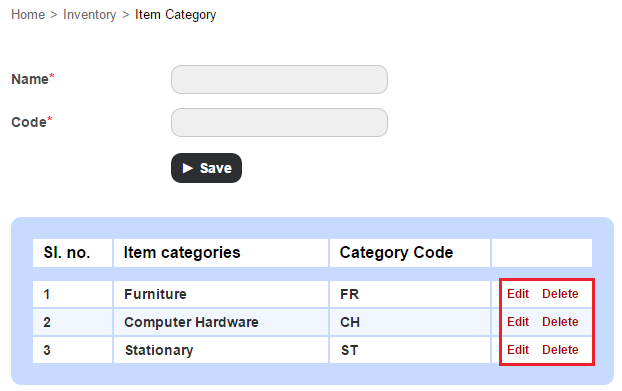
Click Edit to edit an item category, or click Delete to delete an item category
Contact
Get in touch with our support team anytime.
Phone
info@sharakshara.com
+91 8073157220
© 2025. All rights reserved.