How to exclude students when scheduling fee collections?
Go to the student's profile.
In the top right, click More > Fees.
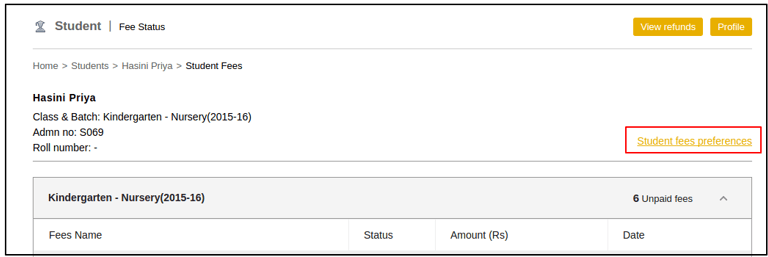
Click Student fees preferences as depicted in Fig 1
Select the condition applicable for the student:
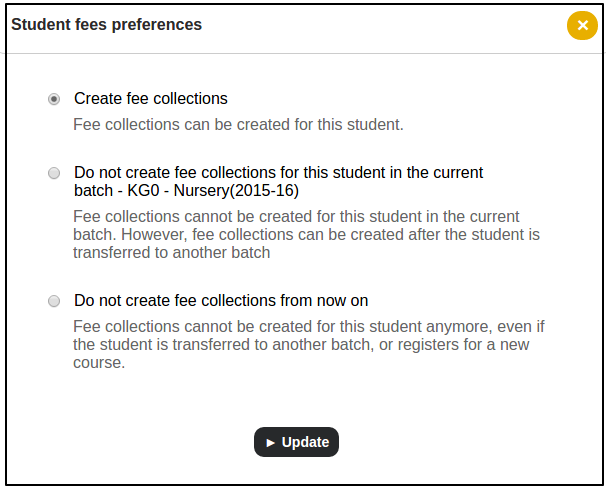
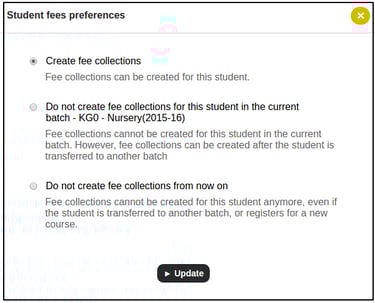
Create fee collections for the student.
Do not create fee collections for the student in the current batch, however, fee collections can be created after the student is transferred to another batch.
Do not create fee collections from now on, even if the student is transferred to another batch, or registers for a new course.
Contact
Get in touch with our support team anytime.
Phone
info@sharakshara.com
+91 8073157220
© 2025. All rights reserved.