How to generate inventory report?
You can generate a report to view the list of indents, purchase orders, and GRNs created based on their status.
Click the module access icon > Administration > Inventory > Reports > Reports.
Select a category – Indents, Purchase Order, or GRN.
Select a status – All, Pending, Issued, or Rejected.
Specify a date range.
Click the Search button.
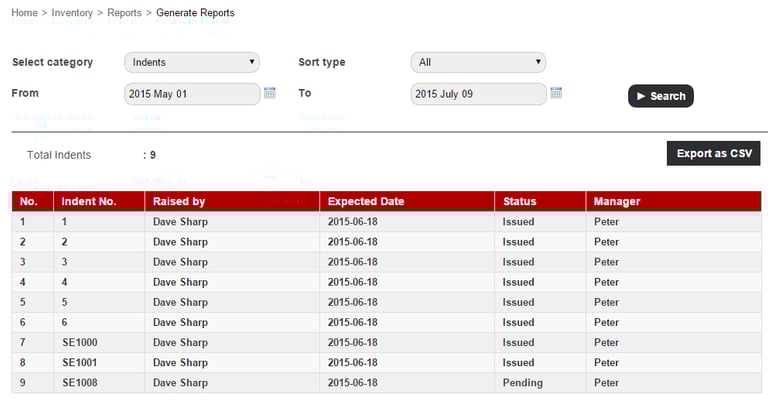
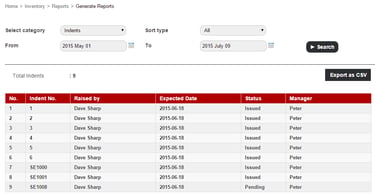
If you had selected Indents, all indents and their details are displayed.
Contact
Get in touch with our support team anytime.
Phone
info@sharakshara.com
+91 8073157220
© 2025. All rights reserved.