How to import exam planner from previous year
If you are migrating to a new academic year and want to use the planner of the previous year, Sharakshara provides the feature of importing the previous planners.
This can be done by –
Menu >> Academics >> Gradebook >> Exam Planner >> Import Planner
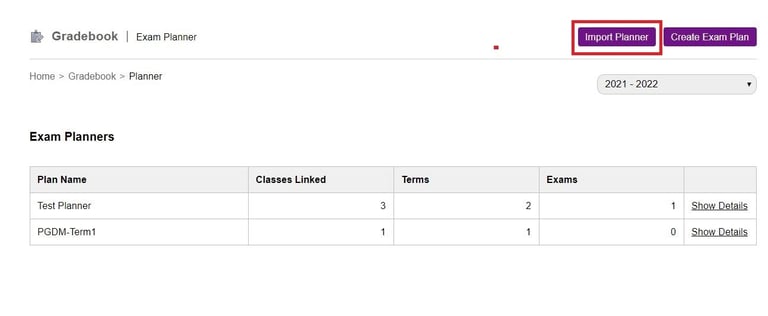
2. Select the to and from Academic Year.
3. Select the exam planner that needs to be imported.
4. You can import exam groups, class associations, and report settings.
5. Click on the import planner.
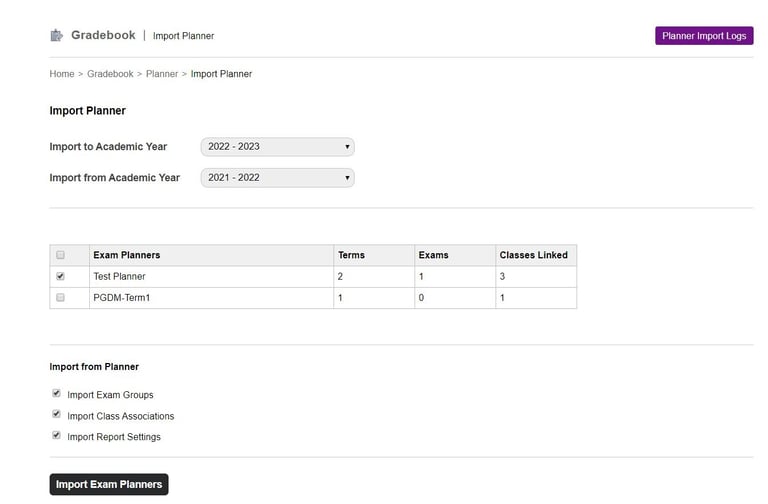
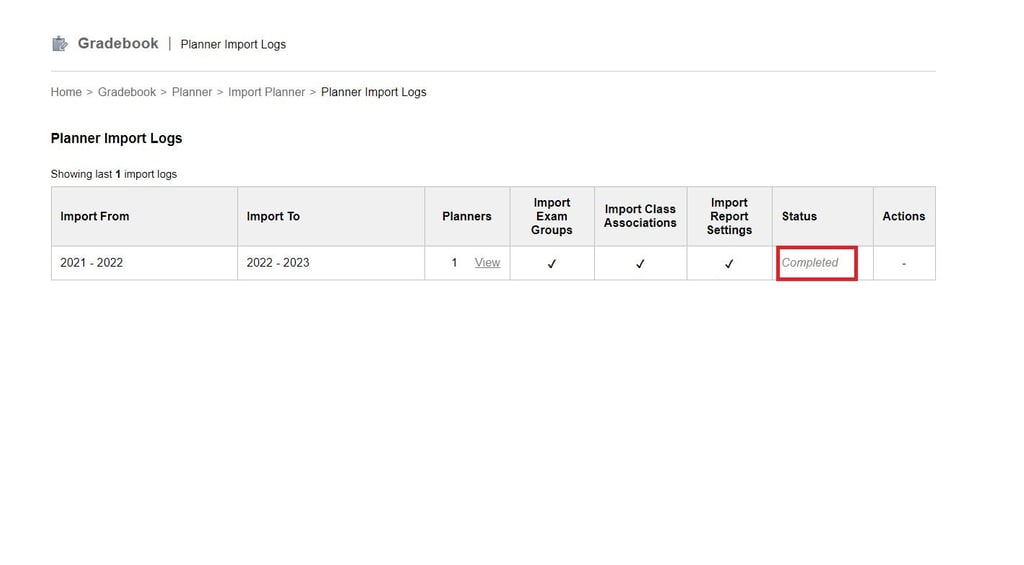
6. Once imported you will get the status as completed.
Contact
Get in touch with our support team anytime.
Phone
info@sharakshara.com
+91 8073157220
© 2025. All rights reserved.