How to import marks using csv
Once exams are created subject teachers can manually enter marks or batch tutors and admin upload marks using csv file.
Menu >> Academics >> Gradebook >> Manage Gradebook >> Select Class >> Manage Exams >> Select Exam >> Manage Exams
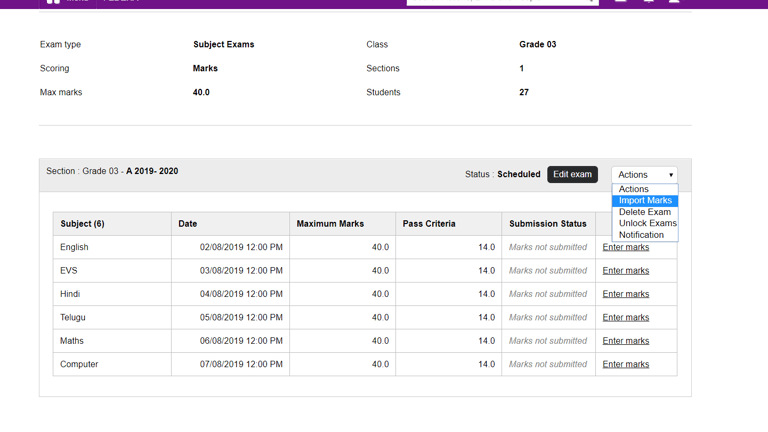
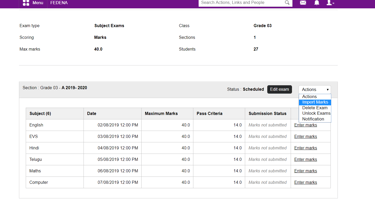
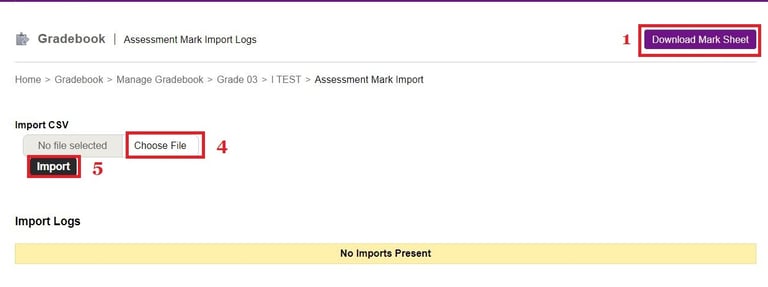
Steps to upload marks using excel -
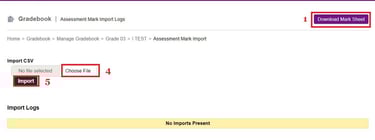
1. Download the mark sheet.
2. Enter marks in the csv.
3. Save the file.
4. Choose the file.
5. Import the marks
Contact
Get in touch with our support team anytime.
Phone
info@sharakshara.com
+91 8073157220
© 2025. All rights reserved.