How to lock the attendance after a certain duration
Enable the lock mode in order to freeze the attendance after a certain set duration. When enabled, editing or marking after the allowed date can only be done by a privileged user or admin.
Step 1: Navigate to Menu > Academics > Attendance > Attendance Setting
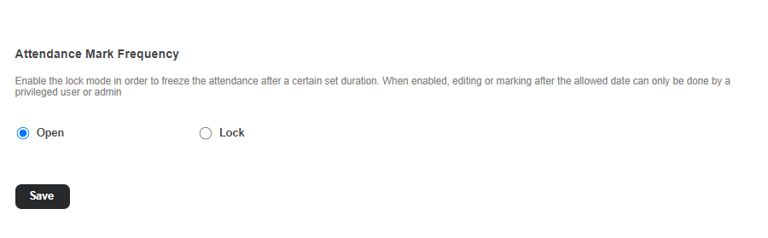
Step 2: In the Attendance Mark Frequency section, choose the 'Lock' option and set the lock duration as illustrated in the figure above. After the Lock duration, the attendance will be automatically locked.
Step 3: Click on 'Save' to save the settings
Once the settings are configured, two options, Submit and Save, will be available on the Attendance Register page, as demonstrated below.
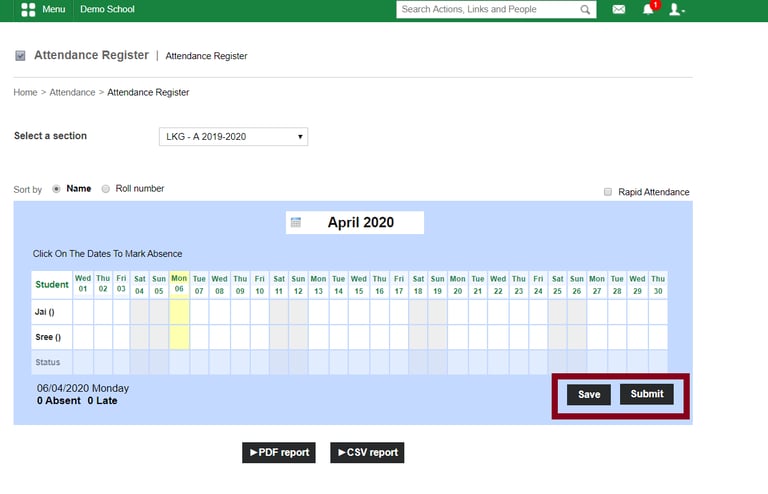
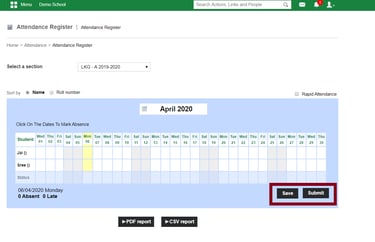
Save - Save the attendance using this option. You can edit the attendance after entering.
Submit - If you click on Submit, the attendance will be submitted and locked.
Contact
Get in touch with our support team anytime.
Phone
info@sharakshara.com
+91 8073157220
© 2025. All rights reserved.