How to unassign a hostel fee collection for a student?
At the top of your dashboard, click the module access icon > Administration > Hostel > Fee Collection > User-wise Fee Collections to open the User-wise Fee Collections page.
In the top right, click the Manage Fee Collections button to open the Manage Fee Collection page.
Select a batch. All students and their corresponding hostel fee collections are listed. You can then unassign the required fee collection(s).
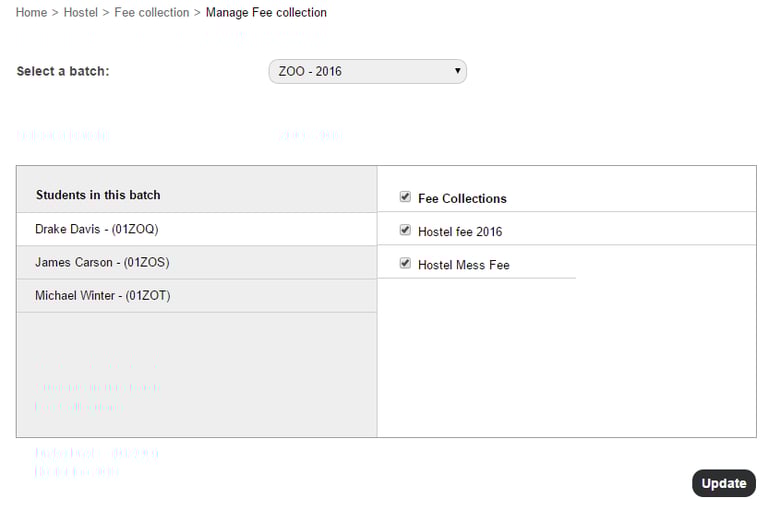
Click on the name of the student.
Select a hostel.
Note:Based on the gender of the student, the type of hostel will be listed.
Contact
Get in touch with our support team anytime.
Phone
info@sharakshara.com
+91 8073157220
© 2025. All rights reserved.