Notification Management
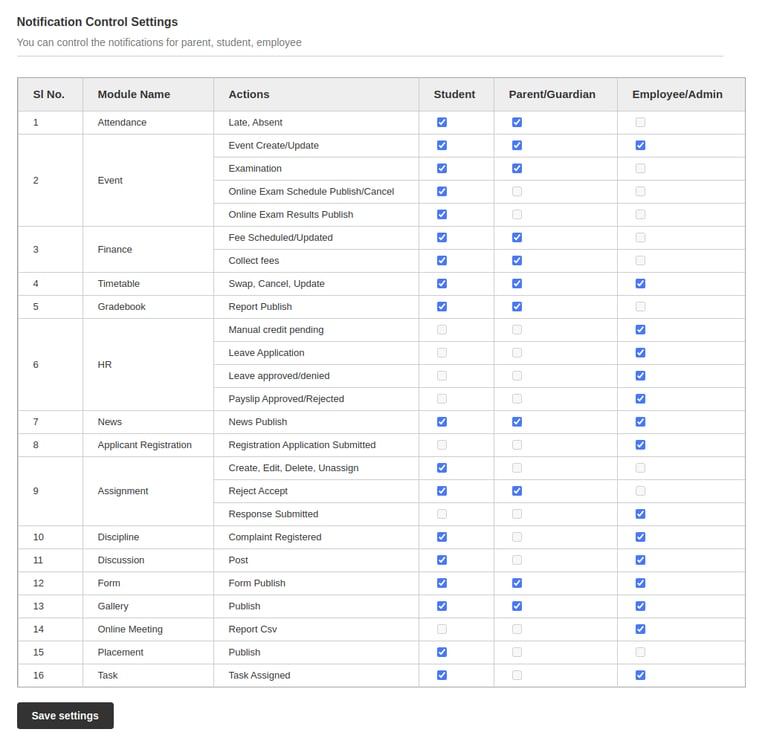
The notification control setting provides the entire control over the internal notification in the Fedena application. The admin/privileged employee can control the notification sent from different modules to Student, Parent/Guardian, Employee/Admin. By default, all the notification options will be enabled which can be configured as per the requirement.
Steps:
Menu > Administration > Settings > Notification Control Settings
Select the notification Actions against each Module for the set of users to be received
Save Settings
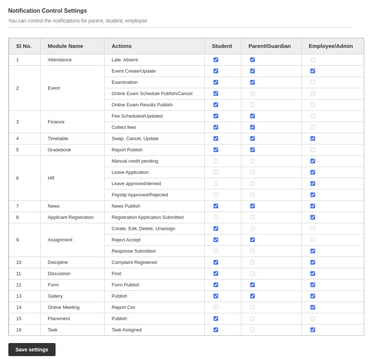
Overview in web instance:
Notification Management in Mobile App:
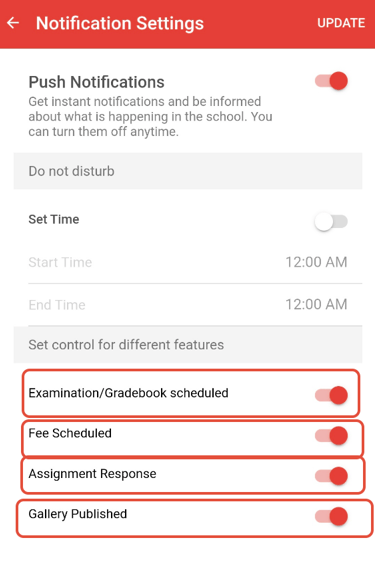
The notification management option is also available in the mobile app where the user can personalize the notification to be received/shown to the mobile app notification bar.
The notification settings can be accessed and configured by following the below steps:
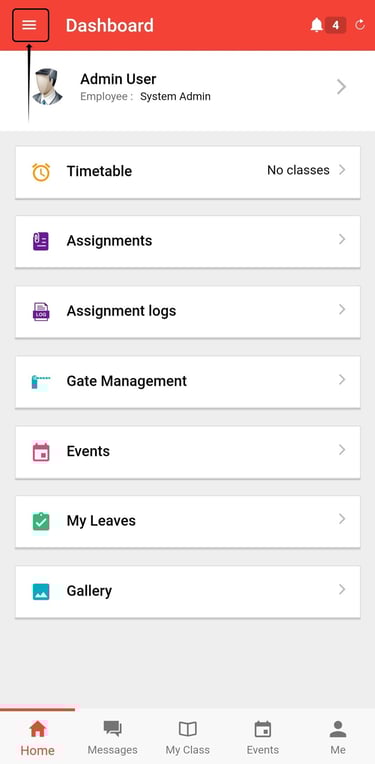
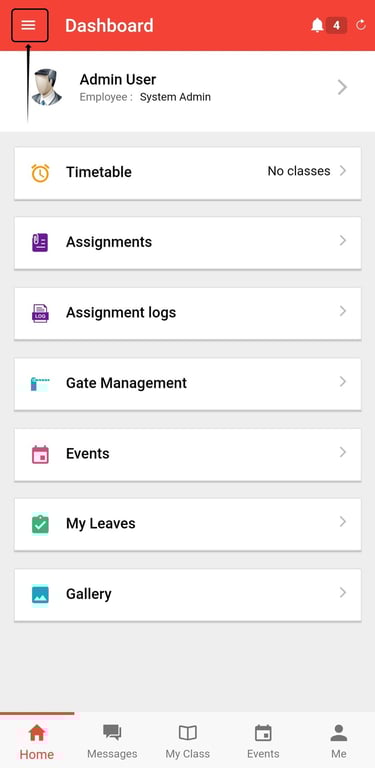
Tap the marked ≡ option at the top left corner of the mobile app
Tap on the Notification Settings option, this will provide the configurations available for each user
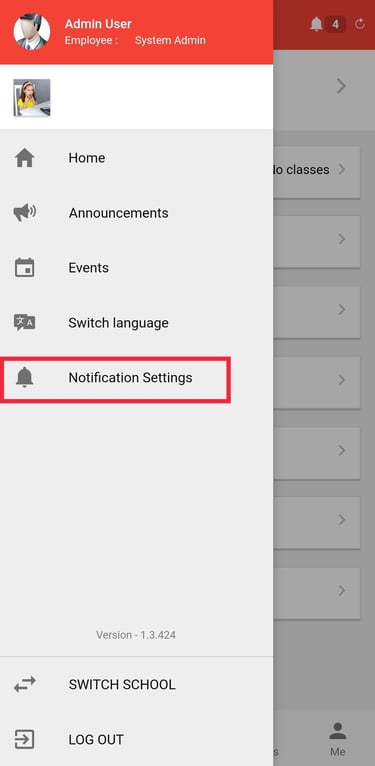
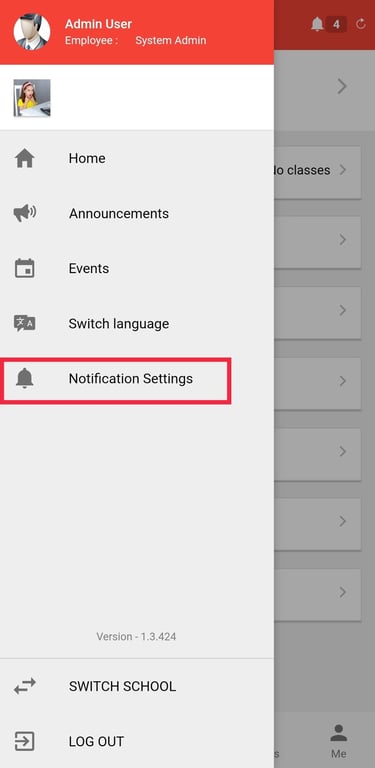
Mobile App Overview-
In Mobile App view, the user can control the notification for the selected features
Contact
Get in touch with our support team anytime.
Phone
info@sharakshara.com
+91 8073157220
© 2025. All rights reserved.