What is ranking level report?
The Ranking Level Report lists the students according to the selected ranking level. At the top of your dashboard, click the module access icon > Academics > Examination > Reports center > Ranking Level Report. In the Select a mode field, select a the ranking level mode from the following options:
Course-wise – View the ranking level of students for the complete course (includes previous batches).
If you selectCourse-wise, you must also select a course, a batch group (only if you have grouped batches), the ranking level, and then click theViewbutton.
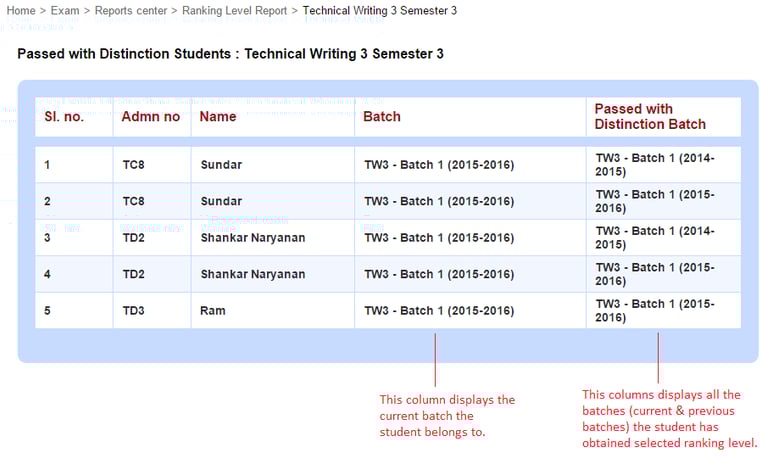
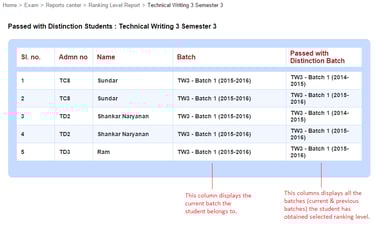
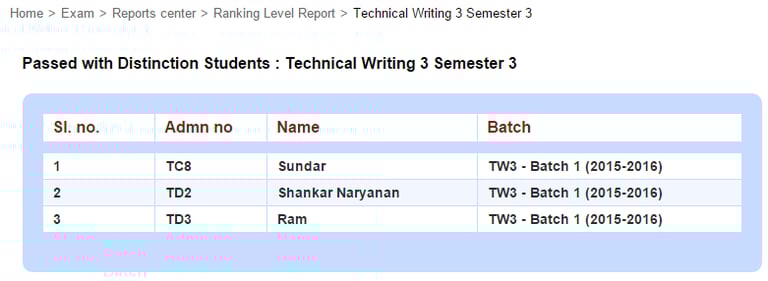
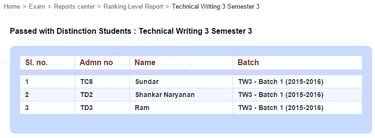
If you have selected the Consider all previous batches? check-box when setting up ranking levels, the Course-wise ranking level report will look like this.
Contact
Get in touch with our support team anytime.
Phone
info@sharakshara.com
+91 8073157220
© 2025. All rights reserved.