How to inactivate, delete or edit an employee category?
If you do not want an employee category to be displayed in the employee admission form, you can inactivate it or delete it. However, you cannot inactivate or delete an employee category that has already been assigned to an employee.
At the top of your dashboard, click the module access icon >Administration>Human Resource>Setting>Add Employee Categoryto open theEmployee categorypage.
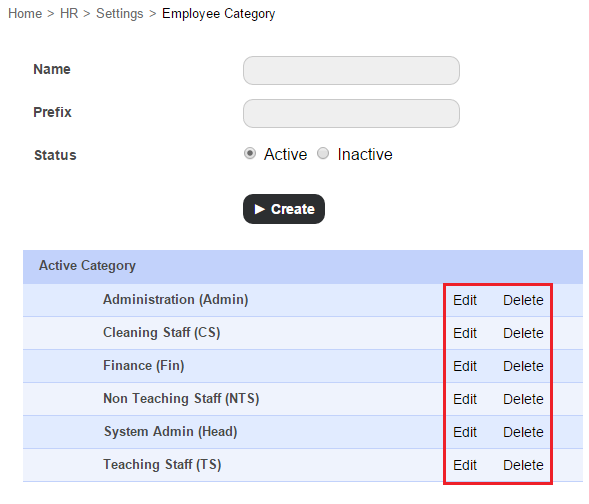
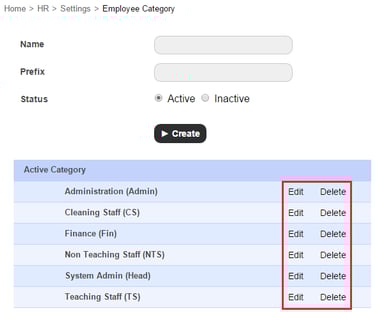
Click Edit beside the employee category you want to edit, select the Inactive status, and then click the Update button. Employee categories that are inactivated are moved under the Inactive Category list.
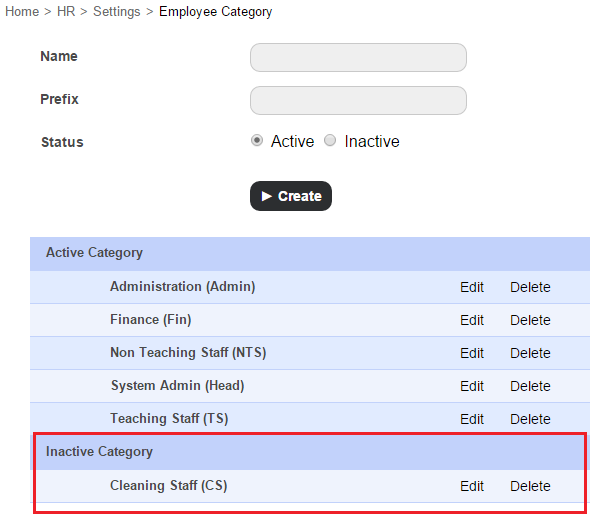
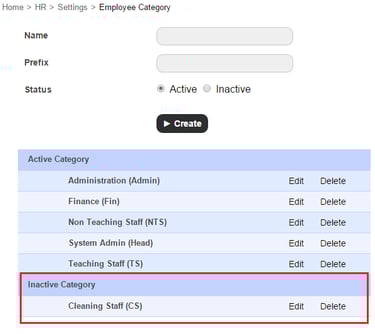
2. Click Delete beside the employee category you want to delete.
Contact
Get in touch with our support team anytime.
Phone
info@sharakshara.com
+91 8073157220
© 2025. All rights reserved.