How to create Exam Planners
Exam planner allows you to organize an academic year as different terms and to assign different exams across these terms. Once the design is created these planners are assigned to all the classes that follow the same exam pattern.
Different steps involved –
Create exam planner
Create Exam Planner
Go to Exam planner in Gradebook module
Menu >> Academics >> Gradebook >> Exam Planners
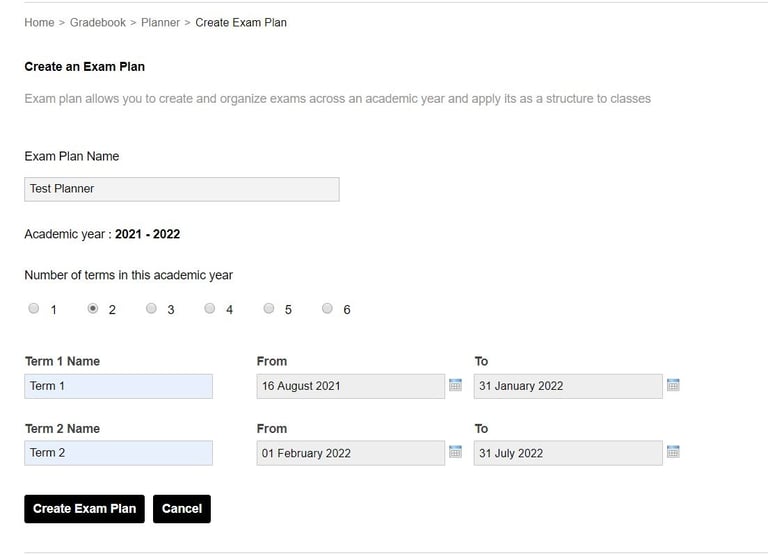
Select - Create an exam plan
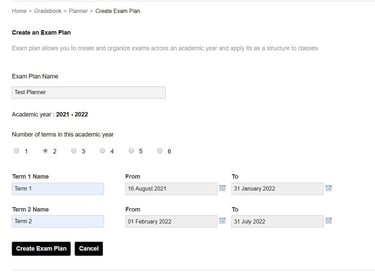
Create the exam planner by giving an appropriate planner name and specifying the number of terms and duration of each term in the academic year.
Contact
Get in touch with our support team anytime.
Phone
info@sharakshara.com
+91 8073157220
© 2025. All rights reserved.